

Black Friday and Cyber Monday (BFCM) fall on November 27 and November 30 in 2026, and Adobe forecasts a record $275.1 billion in US online holiday sales this season (Adobe, Sept 2026).
They are the ones that prepared early, kept their sites fast, and put the right Black Friday marketing strategies in place before the traffic arrived.
Deals are already live in October, which means the season has started. Shoppers compare offers across tabs, social feeds, and AI shopping assistants before they ever land on your store. That makes your Black Friday marketing strategies as much about being easy to find and trust as about price.
This checklist covers 10 Black Friday marketing strategies, each with a clear “how to implement” section: stock planning, store setup, shipping and returns, landing pages, early access, site readiness, checkout, honest urgency, email and social campaigns, and live tracking. Near the end, you’ll also learn how to make your store AI-shoppable, so product discovery tools can read and recommend your catalog accurately.
In A Hurry? Here’s A Brief Summary…
- Plan around November 27 and November 30, and freeze site changes by mid-November.
- Start early with a “Black November” calendar and a VIP early-access list.
- Use Black Friday to win attention and Cyber Monday to capture late shoppers.
- Stress-test your site and speed up mobile checkout with wallets and BNPL.
- Publish clear shipping cutoffs, return terms, and support hours.
- Keep stock limits and deadlines genuine. Never use fake scarcity.
- Keep product data, schema, prices, and stock accurate so AI tools can recommend your store.
Whether you run WooCommerce, Shopify, or BigCommerce, use these Black Friday marketing strategies as a working checklist: tick off each step, and you’ll go into Cyber Week with fewer surprises.
Table Of Contents
- Black Friday vs Cyber Monday: Which Matters More for Your Store?
- BFCM 2026 Key Dates: Your Countdown to Cyber Week
- Top 10 Black Friday Marketing Strategies for 2026
- Keep Track of Your Stock
- Optimize Your Store for BFCM Sales
- Set Clear Shipping, Refund, and Support Policies
- Build a Dedicated BFCM Landing Page
- Launch a “Black November” Early Access Campaign
- Stress-Test Your Website and Mobile Experience
- Make Checkout Fast With Flexible Payments
- Create Honest Urgency, Not Fake Scarcity
- Run Email, Social, and Retargeting Campaigns Together
- Track Competitors and Monitor Performance Live
- Make Your Store AI-Shoppable
- Conclusion
- Frequently Asked Questions
Black Friday vs Cyber Monday: Which Matters More for Your Store?
Black Friday is the main deals day, and Cyber Monday is the biggest online-first shopping day. Most stores should run strong offers on both. In 2026, Black Friday falls on November 27 and Cyber Monday on November 30. The right Black Friday marketing strategies treat them as two parts of one five-day campaign, not as competing events.
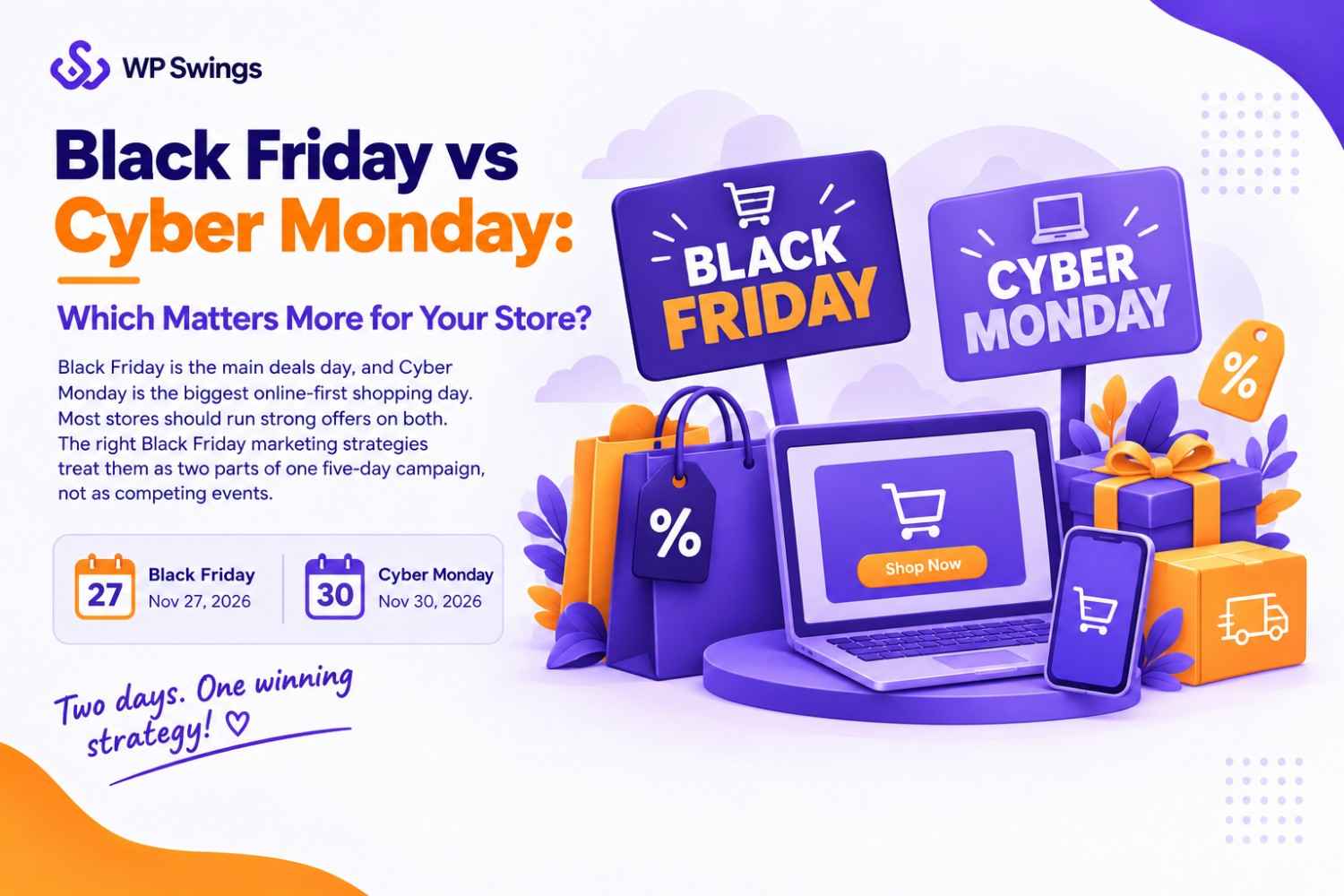
Black Friday has long been the broad, high-traffic deals day, with wide discounts across fashion, home, toys, and electronics. Cyber Monday began as an online-only event and still leans toward online-first categories such as tech, software, and accessories, though its offers now cover almost every category. Online retailers see strong demand on both days, and Black Friday has been growing quickly as more deals move online and start earlier.
Here is how the two days compare:
| Comparison | Black Friday (Nov 27) | Cyber Monday (Nov 30) |
|---|---|---|
| Focus | Broad, deal-driven shopping across most categories | Online-first shopping, with a strong tech and gadget angle |
| Typical Offers | Headline discounts, doorbuster-style deals, bundles, free gifts | Flash sales, extra-percent-off codes, software and digital deals, last-chance offers |
| Best Use | Attract new customers with your most visible deals and best-selling products | Re-engage past visitors and customers, clear remaining stock, and convert shoppers who waited |
| What to Prepare | Landing page live, inventory buffered, site load-tested, email and social campaigns scheduled | Fresh or extended offers, last-chance emails, retargeting audiences, and a restock or substitute plan for sold-out items |
What this means for your plan: Use Black Friday to win attention and Cyber Monday to capture the shoppers who held back. Keep your offer messaging consistent across both days, so customers and AI shopping assistants can see exactly what you are selling, at what price, and until when. Clear, consistent offers are one of the simplest Black Friday marketing strategies, and they set up everything that follows in this checklist.
Top 10 Black Friday Marketing Strategies for 2026 And How To Implement Them
1. Keep Track of Your Stock
Stock tracking means knowing what you have, what is selling fastest, and what is about to run out. A sold-out bestseller during Cyber Week costs you the sale and the customer, which makes inventory control one of the most practical Black Friday marketing strategies.
How to Implement Stock Tracking
- Set low-stock alerts and keep backup inventory. Add a buffer for the products you promote most, and reorder early if your supplier needs lead time.
- Mark sold-out items “temporarily unavailable.” Show related products, add a “notify me when back in stock” sign-up, and stop promoting the item in ads and emails.
- Freeze plugin and theme updates. Test major updates on a staging copy first, then stop changes by your freeze date.
- Write a one-page contingency plan. Cover substitute products, who to call if the site slows down, and how you’ll update customers if shipping is delayed.
Check stock daily during Cyber Week and update your landing page and ads the moment a promoted item runs low. Accurate availability also helps AI shopping tools show correct stock for your store.
2. Optimize Your Store for BFCM Sales
Store optimization means making it fast and obvious for shoppers to find the right product and trust it.
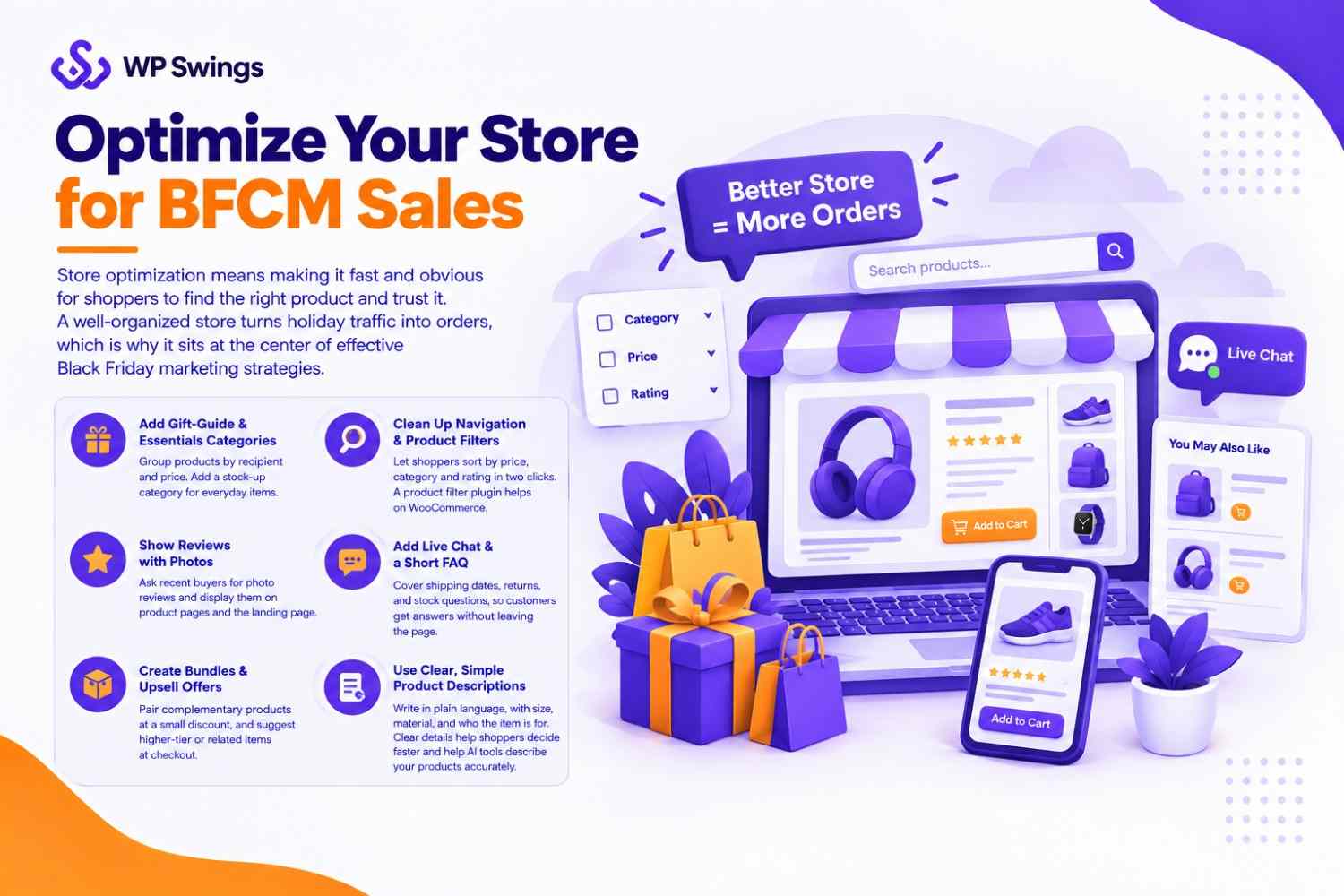
A well-organized store turns holiday traffic into orders, which is why it sits at the center of effective Black Friday marketing strategies.
How to Implement Store Optimization
- Add gift-guide and essentials categories. Group products by recipient (parents, friends, colleagues, pet owners, fitness fans) and by price. Add a stock-up category for everyday items shoppers buy during sales.
- Clean up navigation and product filters. Make sure shoppers can sort by price, category, and rating in two clicks. A product filter plugin helps on WooCommerce.
- Show reviews with photos. Ask recent buyers for photo reviews and display them on product pages and the landing page.
- Add live chat and a short FAQ. Cover shipping dates, returns, and stock questions, so customers get answers without leaving the page.
- Create bundles and upsell offers. Pair complementary products at a small discount, and suggest higher-tier or related items at checkout. Keep bundles relevant, since mismatched items put shoppers off.
Write product titles and descriptions in plain language, with size, material, and who the item is for. Clear details help shoppers decide faster and help AI shopping tools describe your products accurately.
3. Set Clear Shipping, Refund, and Support Policies
Shoppers decide quickly whether they trust a store, and delivery dates, return terms, and support availability are the details they check first. Clear policies reduce abandoned carts and support tickets, which makes them some of the most dependable Black Friday marketing strategies.
How to Implement Shipping, Returns, and Support
- Publish delivery dates and a per-country cutoff table. Use the exact order-by dates from your carriers, and show them on the landing page, product pages, and cart. If you ship internationally, list a separate cutoff for each country or region.
- Write a plain-text return and exchange policy. State the return window, who pays for return shipping, how refunds are issued, and how long they take. Keep it on a dedicated page, not buried in a PDF or an image, so shoppers and AI tools can read it.
- Set holiday support hours. Publish your Cyber Week hours, response times, and contact channels. Add a short FAQ for the most common questions, such as shipping delays and order changes.
Did You Know there is one Plugin With A Complete RMA Solution?
Repeat the same dates and terms on your product pages, checkout, and confirmation emails. Conflicting information confuses shoppers and makes your store harder for AI tools to summarize correctly.
4. Build a Dedicated BFCM Landing Page
A BFCM landing page is one page that holds all your current offers, so every campaign sends shoppers to the same place.
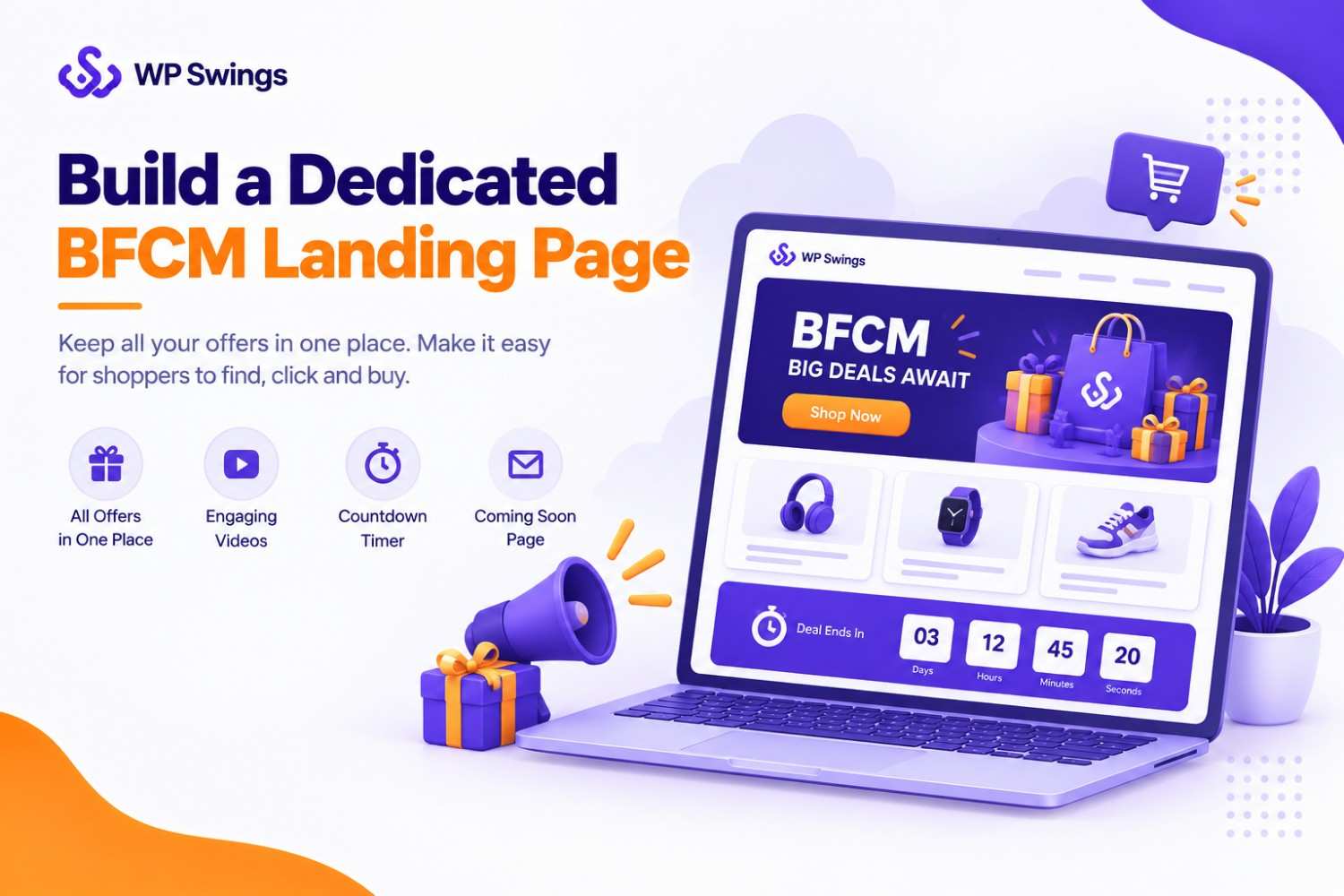
It keeps your message consistent and makes your deals easy to find, which is why it anchors many Black Friday marketing strategies.
How to Implement the Landing Page
- Make one hub for all offers. List your headline deals, bestsellers, bundles, and shipping cutoffs on one page. Send email, social, ad, and search traffic there, and keep the URL the same year to year so it builds authority.
- Add the three video types. Use a short product demo, a gift-guide video that suggests items by recipient, and an offer explainer that states what’s on sale and until when. Keep them short and mobile-friendly.
- Add a countdown timer tied to real deadlines. Show when an offer starts or ends, and only use dates you will honor. A WooCommerce order bump plugin with a countdown feature can help.
- Launch a “coming soon” page early. Publish a teaser with an email sign-up and a preview of the offers, so you build an audience before Black Friday.
Put the offer details, dates, and terms in plain text on the page, not only in banner images. Text is easier for shoppers to scan and for search and AI tools to read.
5. Launch a “Black November” Early Access Campaign
A “Black November” campaign spreads your offers across the whole month, instead of packing them into one weekend. Many retailers now start deals well before Thanksgiving, so an early campaign lets you build an audience and reward loyal customers before the rush. It is one of the most useful Black Friday marketing strategies for stores that want steady sales, not just a single spike.
How to Implement Early Access
- Build a week-by-week offer calendar. Plan a teaser week, an early-access week, the Black Friday to Cyber Monday push, and a last-chance week. Note which products, discounts, and channels you’ll use in each, and avoid discounting your best deals too early.
- Create a VIP early-access list. Invite subscribers and past customers to join a list that gets deals first, and promote it on your coming-soon page, pop-ups, and social profiles. Every sign-up gives you an email address to use all season.
- Add loyalty rewards, giveaways, and referral perks. Offer bonus points to repeat customers, run a giveaway that requires an email sign-up, and reward shoppers who refer friends. A points and rewards plugin can automate this on WooCommerce.
Looking for a Plugin That Is Designed to Manage Various Types of Points and Rewards Activities?
Tell your VIP list exactly when their early access starts and ends. Clear timing makes the perk feel real, and it gives you a simple reason to email them more than once.
6. Stress-Test Your Website and Mobile Experience
Stress testing means checking that your store stays fast and your checkout keeps working when traffic spikes.
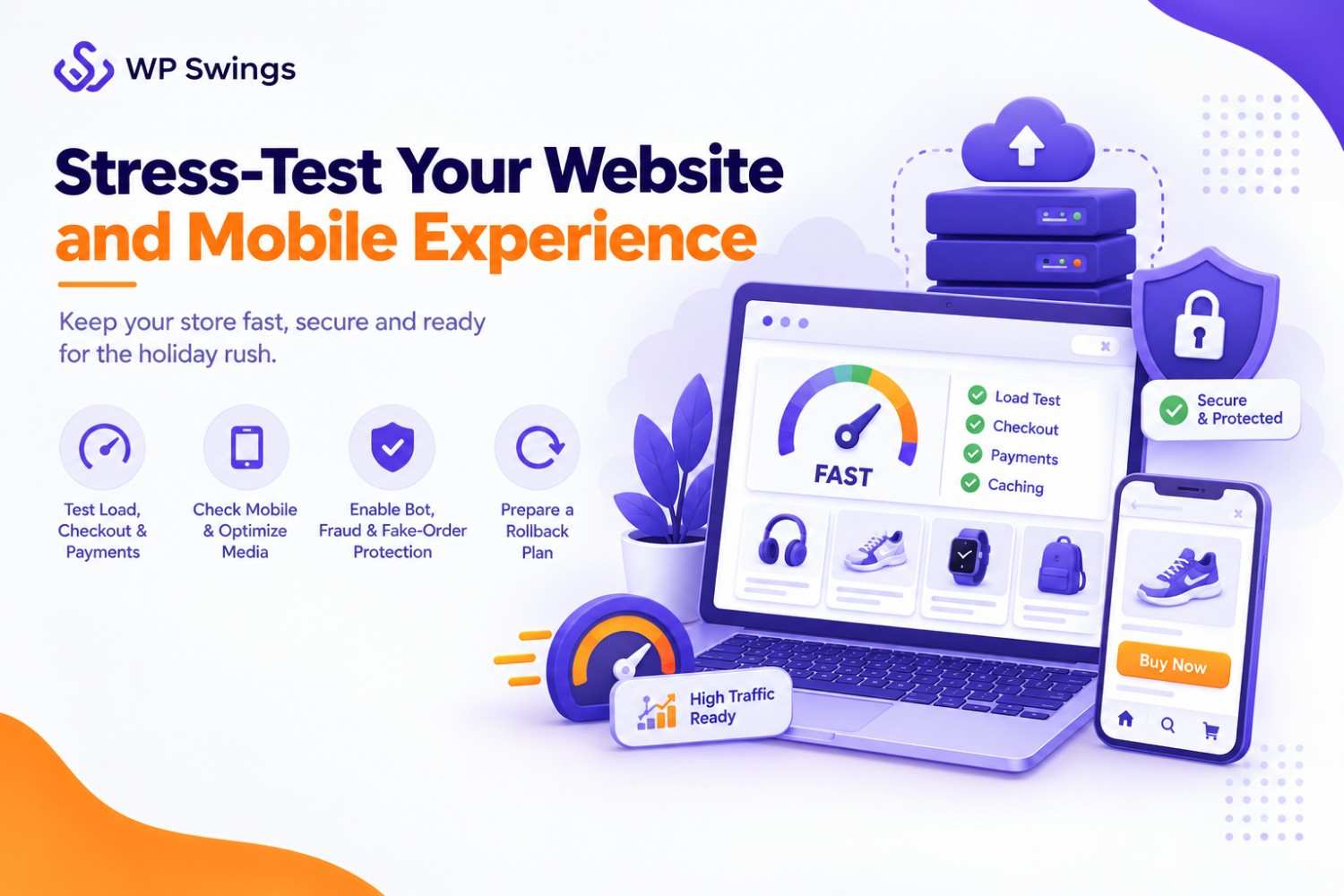
A slow or crashed site during Cyber Week sends shoppers straight to competitors, so testing is one of the Black Friday marketing strategies that protects all the others.
How to Implement Stress Testing
- Test load, checkout, payment gateway, and caching. Simulate a traffic surge with a load-testing tool, then place test orders using each payment method. Confirm that caching, discount codes, and stock updates all work under load.
- Check mobile checkout, plus image and video weight. Many shoppers will buy from a phone, so test the full purchase flow on mobile. Compress images and videos so pages load quickly on slower connections.
- Add bot, fraud, and fake-order protection. Turn on rate limiting, CAPTCHA or bot filtering, and fraud checks for your payment gateway. Review flagged orders quickly, so genuine customers aren’t delayed.
- Write a rollback plan. Keep a recent backup, note who can restore it, and decide in advance when you’ll undo a change instead of debugging it live.
Finish your final test before your site-change freeze (see the key dates above), and check the store on several browsers and devices. Fixing a problem a week early is far cheaper than fixing it on Black Friday.
7. Make Checkout Fast With Flexible Payments
A fast checkout removes the friction between a shopper’s decision and their payment. Fewer steps and more payment options mean fewer abandoned carts, which makes checkout one of the most direct Black Friday marketing strategies for turning interest into orders.
How to Implement Faster Checkout
- Offer guest checkout and cut unnecessary steps. Let shoppers buy without creating an account, and remove form fields you don’t need. Enable autofill and show the order total and shipping cost early, so there are no surprises at the last step.
- Add digital wallets and BNPL. Offer wallet options such as Apple Pay and Google Pay for one-tap payment, plus a buy now, pay later option for higher-priced items. Test each method on mobile before the sale.
- Sell digital gift cards. Gift cards suit last-minute shoppers who can’t pick a product, and they bring customers back after the sale. A gift card plugin can handle delivery on WooCommerce.
Get Gift Cards for WooCommerce Pro Plugin Now!
Show accepted payment methods and your return policy near the checkout button. Visible trust signals reassure shoppers and help AI tools understand how your store handles payment.
8. Create Honest Urgency, Not Fake Scarcity
Honest urgency gives shoppers a real reason to buy now, such as limited stock or a deadline you will actually keep. It lifts conversions without damaging trust, which makes it one of the most sustainable Black Friday marketing strategies.
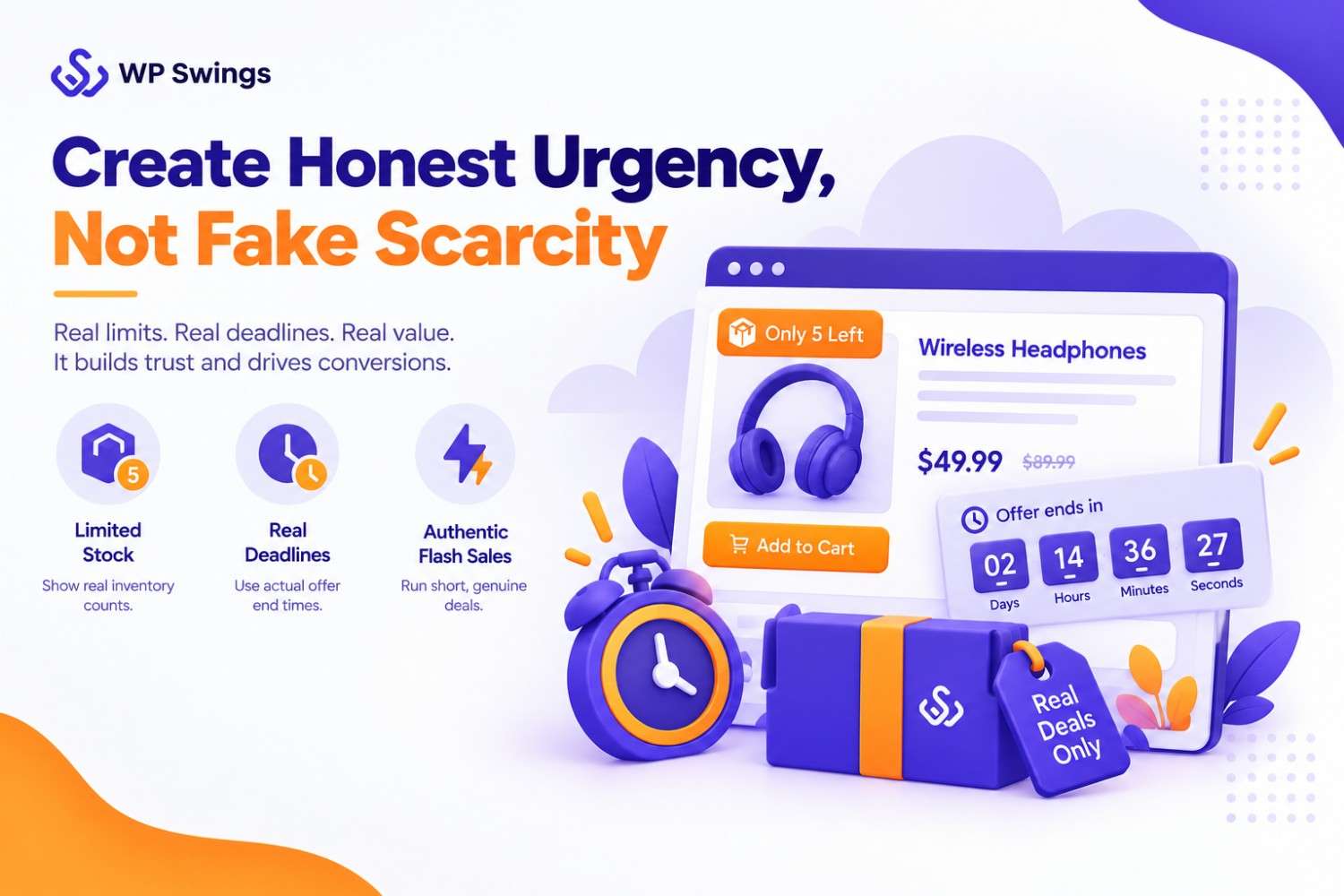
Fake scarcity may win a sale today, but it can cost you repeat customers and may break consumer-protection rules in some markets.
How to Implement Honest Urgency
- Use real stock limits, real deadlines, and real flash sales. Limit a deal to the actual units you have, set a true end time, and run short flash sales on specific products. Announce them in advance so shoppers can plan.
- Show stock and time-left messages only when true. Connect “only 5 left” labels to live inventory, and tie countdown timers to the real offer end. If a timer resets for every visitor, remove it.
- Avoid fake timers and fake scarcity. Don’t invent “X people are viewing this” counts, inflate original prices, or extend a “last chance” offer without saying so. Shoppers notice, and they share it.
If you extend a sale, say why and tell customers clearly, for example “Cyber Monday bonus: offers extended for 24 hours.” Honest messaging keeps your urgency believable the next time you use it.
9. Run Email, Social, and Retargeting Campaigns Together
Shoppers see your offers across several channels, so email, social, and retargeting lwork best as one coordinated campaign with the same message and dates. Aligning them is one of the Black Friday marketing strategies that makes every other effort go further.
How to Implement the Campaign Mix
- Plan an email sequence. Send an early-access email to your VIP list, a launch email on Black Friday, a last-chance email on Cyber Monday, and a post-sale thank-you with a review request. Send VIP offers to your best customers first.
- Check SPF, DKIM, and DMARC before sending. These records prove your emails come from you, which helps them reach the inbox instead of spam. Verify them with a free checker before your high-volume sends.
- Promote through social, creators, and affiliates. Post offer reminders and short videos on your social channels, and share customer photos and reviews. Brief creators and affiliates early, and give each a trackable link or code.
- Retarget with Meta Pixel and first-party data. Show ads to recent visitors, cart abandoners, and past buyers, and upload your customer email list for custom audiences. Add a clear consent notice, and respect opt-outs under the privacy rules that apply to your shoppers.
Use the same offer names, prices, and end dates in every email, post, and ad. A consistent message builds trust and is easier for search and AI tools to summarize correctly.
10. Track Competitors and Monitor Performance Live
Tracking means watching what competitors offer and how your own store performs while Cyber Week is running.

Live monitoring lets you fix problems and adjust offers within hours, not after the sale ends, which makes it one of the Black Friday marketing strategies that keeps the rest on track.
How to Implement Tracking and Monitoring
- Subscribe to competitor emails and set Google Alerts. Sign up for their lists and follow their social accounts. Set alerts for their brand names, so you see new offers and press mentions quickly. Use what you learn for ideas, and keep your own offers original.
- Watch competitor offers on marketplaces and in AI answers. Check how rivals price and list similar products on marketplaces. Ask a few AI assistants shopping questions about your category, and note which stores they recommend and why.
- Set up a Cyber Week dashboard with an owner for each metric. Track traffic, conversion rate, revenue, cart abandonment, site speed, and stock for your top products. Assign one person to each metric, so someone is always watching it.
- Run a daily check-in and a quick-fix plan. Hold a short daily meeting during Cyber Week to review the dashboard. Agree in advance on what you’ll change if conversions drop, such as adjusting an offer, fixing a page, or pausing an underperforming ad.
Write down what works and what doesn’t each day. Those notes become your “what worked” update after Cyber Week and your starting point for next year’s plan.
Make Your Store AI-Shoppable
More shoppers now ask AI assistants and AI search tools for gift ideas and product comparisons before they visit any store.
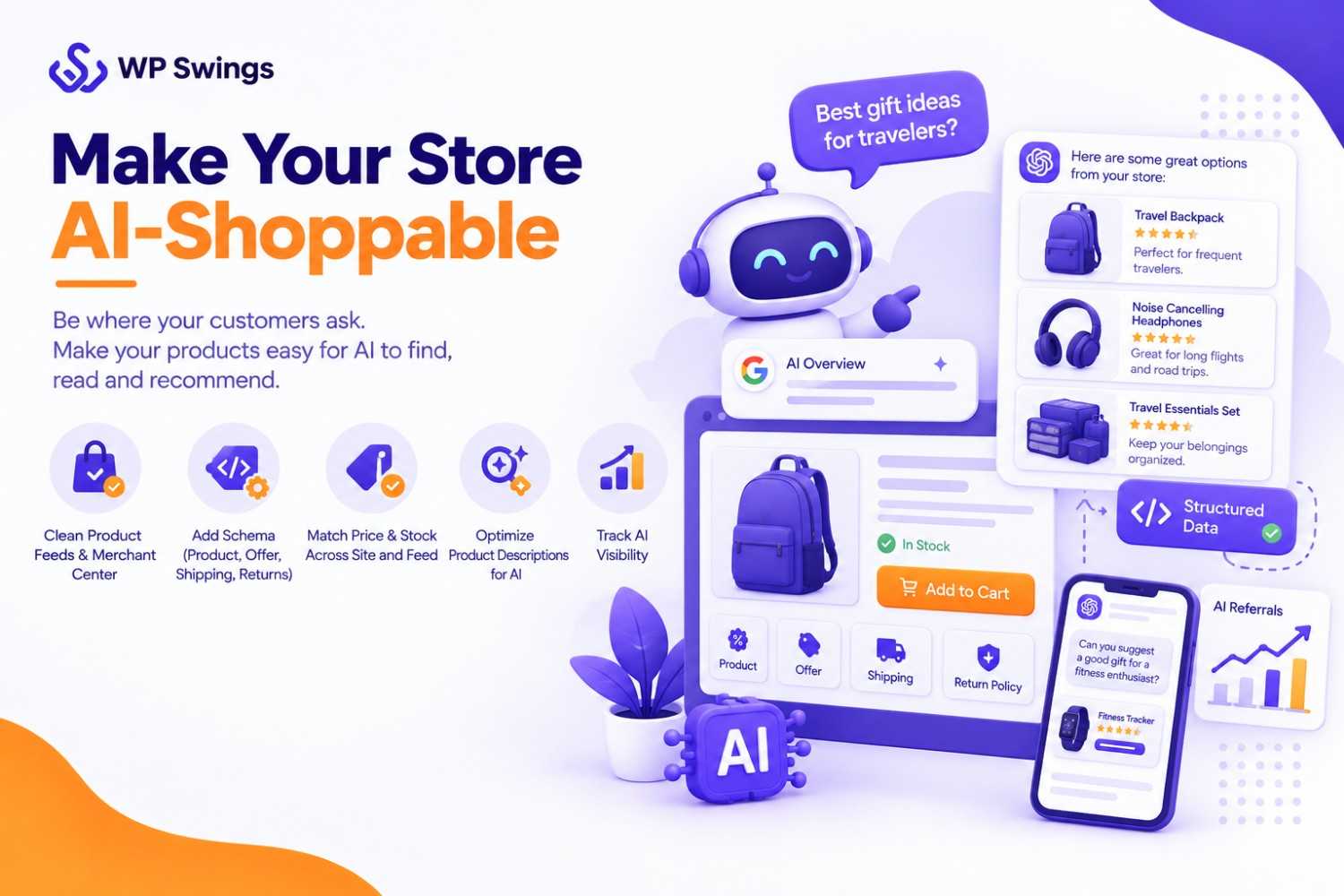
These tools can only recommend products they can read and trust, so clean, consistent product data is now part of effective Black Friday marketing strategies.
How to Implement AI-Shoppable Product Data
- Clean product feeds and Merchant Center. Keep titles, prices, availability, images, and identifiers (such as GTIN or SKU) accurate in your product feed, and fix any Merchant Center errors before November. Google has said its AI shopping experiences rely on merchant product data.
- Add Product, Offer, shipping, and return-policy schema. Use structured data so machines can read your price, stock status, delivery details, and return terms. Test your pages with Google’s Rich Results Test.
- Match price and stock across the site and feed. If your page shows one price and your feed shows another, shoppers lose trust and tools may stop surfacing the product. Update both whenever
Write Product Descriptions That AI Can Recommend
- Say who each item is best for and why. For example, “a compact backpack for frequent travelers who want carry-on-friendly storage.” Gift-style phrasing matches how people ask AI tools for ideas.
- Use clear specs, sizes, and compatibility. List material, dimensions, size range, color options, and what the product works with. Put these in plain text on the page, not only in images.
How to Track AI Visibility
- Create a GA4 channel group for AI referrals. Group traffic from sources such as chatgpt.com, perplexity.ai, gemini.google.com, and copilot.microsoft.com, so you can see which pages and offers bring AI-referred visitors.
- Run weekly prompt tests. Ask a set of about 20 shopping questions your customers might use (for example, “best Black Friday deals on [your category]”), and record whether your store is mentioned, how it’s described, and which competitors appear.
- Check crawler access in robots.txt. Decide deliberately which AI and search crawlers you allow, such as OAI-SearchBot, GPTBot, PerplexityBot, ClaudeBot, and Google-Extended. Also confirm that your key content loads without JavaScript and isn’t hidden behind logins or tabs.
AI tools weigh outside mentions, so reviews, creator posts, and honest roundup coverage help too. Treat AI visibility as a habit you check weekly, not a one-time setup. These results vary by tool and change often, so adjust based on what your own tests show.
Conclusion
Black Friday is on November 27 and Cyber Monday is on November 30, so the best time to act on your Black Friday marketing strategies is now. Start with the basics: keep stock accurate, optimize your store, and publish clear shipping and return policies.
Then build your landing page and early-access campaign, test your site, speed up checkout, use honest urgency, and run email, social, and retargeting together. Monitor results live during Cyber Week. Finally, make your product data AI-shoppable, so shoppers can find your store wherever they search.
You don’t need to do everything at once. Pick the strategies that fit your team, set your site-change freeze date, and work through them one step at a time. Tell us in the comments which of these Black Friday marketing strategies you’re starting with.
Frequently Asked Questions (FAQs)
How can I increase Black Friday sales in WooCommerce?
Start with a fast, mobile-friendly store, accurate stock, and a dedicated landing page for your offers. Add bundles, upsells, and flexible payment options at checkout, then promote them through email, social, and retargeting. These are the Black Friday marketing strategies that most directly turn visitors into orders.
When should I start planning my BFCM campaign?
Start now, ideally 6–8 weeks before Black Friday (November 27, 2026). Many retailers begin deals in October, so plan your offers, test your site, and set a site-change freeze date a week or more before Thanksgiving. Early planning leaves time to build your email list and fix problems before the rush.
What promotions work best for Black Friday and Cyber Monday?
Bundles, free shipping, tiered discounts, early access for VIP customers, and short flash sales tend to work well. Keep offers simple, clear, and tied to real deadlines, and repeat the same terms across your site, emails, and ads. Honest urgency builds more trust than constant deep discounting.
How can loyalty programs increase BFCM sales?
Loyalty programs reward repeat customers with early access, bonus points, or exclusive discounts, which gives them a reason to buy from you instead of a competitor. They also bring back past buyers and encourage referrals. Announce rewards to your VIP list before Black Friday so members are ready to shop.
What is the difference between Black Friday and Cyber Monday marketing?
Black Friday marketing focuses on broad, headline deals that attract new shoppers across many categories. Cyber Monday marketing focuses on online-first offers, last-chance reminders, and re-engaging visitors who waited. Treat them as one connected campaign, using Black Friday to win attention and Cyber Monday to capture the remaining sales.
What kind of Black Friday ads work best?
Simple ads often perform well: a clean product image with a clear sale headline, such as the discount and end date. Shoppers are already in buying mode, so they mainly need to see where the deal is. Test a few simple versions against your own data before putting the budget behind one.
Should I create new ads for Black Friday or reuse my best ones?
Reusing your best-performing ads is a safe starting point. Add a sale banner, badge, or headline to the video or image that already converts, instead of building new creative from scratch. Keep the landing page and offer just as simple, so nothing breaks under peak traffic.
About the Author: Mohd Talib