

Every online store loses sales at the same place: the checkout page. A shopper adds an item to their cart, gets ready to pay, and then leaves without buying. This is why eCommerce checkout optimization has become one of the most important areas for any online business to focus on.
eCommerce checkout optimization is the process of improving every step between “add to cart” and “order confirmed” so more shoppers who intend to buy actually complete the purchase.
Key Takeways
- eCommerce checkout optimization directly affects how many sales you actually close.
- Shoppers abandon carts when checkout feels slow, confusing, or untrustworthy.
- Simple fixes like fewer form fields, more payment options, and mobile-friendly design go a long way.
- The right software and plugins make it much easier to optimize checkout without a full rebuild.
- The same checkout principles matter even more during holiday and peak shopping periods.
It covers page speed, payment options, form design, trust signals, and everything else that stands between a customer and a finished order. Done well, checkout process optimization reduces cart abandonment, increases conversions, and builds long-term trust with buyers.
Table Of Contents
What Is eCommerce Checkout Optimization?
eCommerce checkout optimization is the process of removing friction from the steps between adding an item to cart and completing payment, so more shoppers who already intend to buy actually finish the purchase. It covers everything from form design to payment options to page speed, and the more friction you remove, the higher your conversion rate climbs.
Every extra form field, unclear cost, or confusing step is a reason for a shopper to stop and leave. When you optimize checkout, you’re making it as easy as possible for someone who already wants to buy to actually finish buying.
This isn’t a one-time fix. Checkout flow optimization and checkout page optimization are both ongoing work, since shopper expectations, devices, and payment habits keep changing. A checkout page that converted well two years ago may already feel outdated today.
According to statistics from the Baymard Institute, online cart abandonment has historically hovered around 70 percent, meaning roughly three in ten shoppers who add items to their cart go on to complete the purchase.
That gap between “added to cart” and “purchased” is exactly what checkout optimization is meant to close.
Common reasons shoppers abandon checkout:
- Hidden fees or unexpected costs at the last step
- Too many form fields or a forced account creation
- Slow-loading checkout pages
- Limited payment options
- Unclear shipping costs or delivery timelines
- Lack of trust signals like secure payment badges
eCommerce Checkout Optimization Strategies
Here are the strategies that make the biggest difference to conversion rates.
1. Simplify the Checkout Flow
The fewer steps and fields, the better. Offer guest checkout so customers aren’t forced to create an account, use autofill wherever possible, and only ask for information you actually need to complete the order.
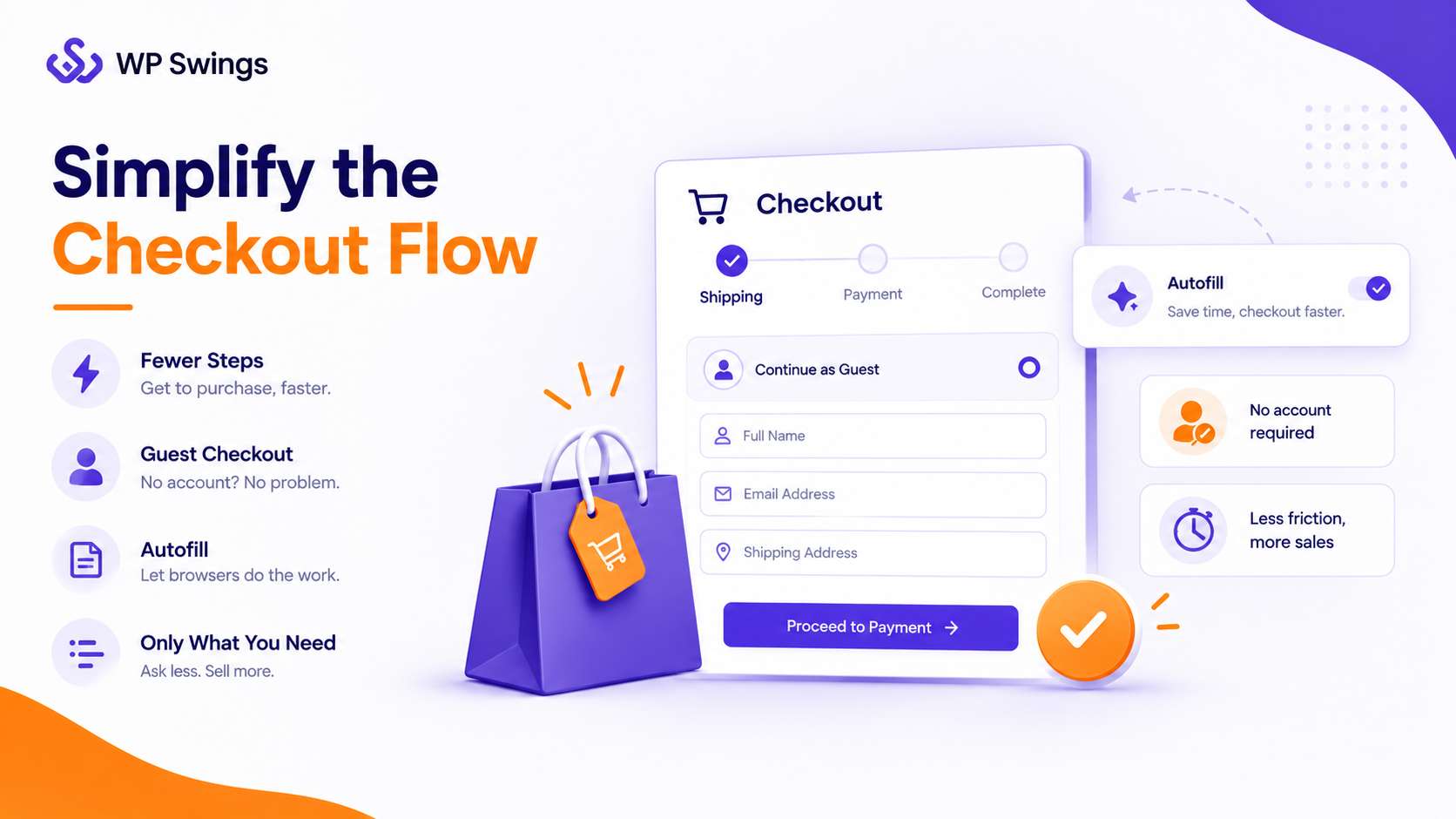
Every additional click or text box is another moment where a shopper can second-guess the purchase or simply get distracted and leave, so it’s worth auditing your checkout field by field and asking whether each one is truly necessary at this stage, or whether it could be collected later, made optional, or removed entirely.
This single change is often the highest-impact piece of checkout process optimization a store can make, and it’s usually the cheapest one to implement since it rarely requires new software, just a willingness to cut steps that seemed reasonable when the checkout was first built but no longer earn their place.
2. Offer Multiple, Fast Payment Options
Customers want speed and flexibility, and the payment step is where that expectation is tested the most directly. Digital wallets such as Apple Pay, Google Pay, and PayPal give shoppers one-tap convenience by pulling in saved card and address details automatically, which removes the tedious manual entry that causes many shoppers to abandon on mobile in particular.
Buy Now, Pay Later (BNPL) options like Klarna, Afterpay, and Affirm add a different kind of flexibility, letting shoppers split higher-value purchases into smaller installments instead of paying the full amount upfront, which often turns a purchase they were hesitating on into one they’re comfortable completing right away.
The businesses that get the most out of this strategy don’t just add one payment option and stop, they look at their actual customer base and stock the checkout with the two or three methods that base is most likely to already trust and use.
Give Customers the Payment Flexibility They Expect
3. Build Trust With Transparency
Show shipping costs, taxes, and delivery timelines clearly and early, not as a surprise on the final step, since unexpected charges at the last moment are one of the most common reasons carts get abandoned right before payment.
Add secure payment badges near the payment fields and a clear, easy-to-find return or refund policy close to the checkout button, so shoppers don’t have to go hunting for reassurance in the middle of paying.
Transparency at checkout is one of the simplest and lowest-cost ways to reduce hesitation and abandonment, because it doesn’t require new technology, just a willingness to show the full picture earlier in the process instead of saving it for the final screen.
4. Use Upselling and Cross-Selling Wisely
Relevant, well-timed product suggestions at checkout increase average order value without hurting the experience, as long as they feel genuinely useful rather than like an extra sales pitch getting in the way of finishing the order.
| Upsell | Cross-sell | Downsell | |
|---|---|---|---|
| Definition | It is the strategy in which you recommend customers to buy a superior, high-end version of the current product in the purchase. | In cross-selling the merchant recommends the customers an add-on that goes along with the product they are buying. | Downsell is offering a product that is recommending a cheaper alternative to what the customer is planning to buy. |
| Example | Recommend buying a 64GB variant of a phone if the customer is looking for a 32GB variant. | Suggest a wireless charger to a customer buying a smartphone. | Suggest a downgrade of the smartphone if the customer is finding it expensive or out of budget. |
| Impact | Upsell boosts sales and AOV. | Similar to upsell. | It boosts sales only. |
If a shopper is buying a phone, suggest a case; if they’re buying shoes, suggest matching socks or a shoe-care kit; the pattern that works best is pairing the suggestion closely with what’s already in the cart, so it reads as a helpful reminder rather than an unrelated upsell.
Turn Checkout Into a Revenue Booster
Keep it balanced. Too many prompts can overwhelm shoppers and push them toward cart abandonment instead of reducing it.
5. Make Mobile Checkout a Priority
More than half of online shoppers now buy on their phones, which makes mobile-first checkout page optimization essential rather than optional, and a desktop checkout that simply shrinks down to fit a smaller screen usually isn’t good enough anymore.
Use larger input fields that are easy to tap accurately, responsive layouts that rearrange cleanly rather than just scaling down, compressed images for faster loading on slower mobile connections, and one-tap payment options built specifically for mobile, since typing out full card details on a phone keyboard is one of the biggest sources of mobile checkout abandonment.
6. Recover Abandoned Carts With a Plan
No checkout is perfect, no matter how much you optimize it, so a cart recovery strategy matters just as much as the checkout page itself and should be treated as a core part of the process rather than an afterthought.
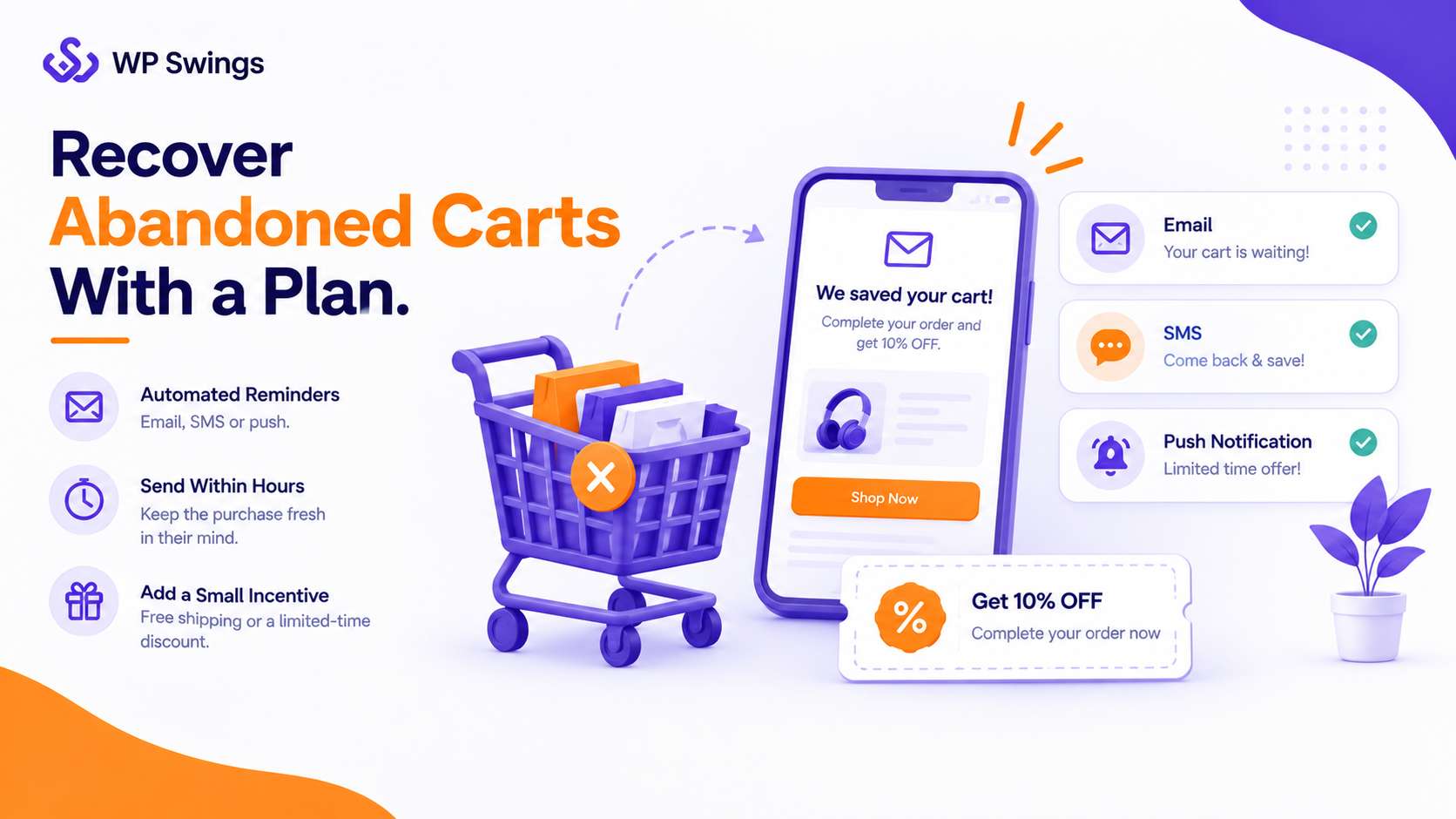
Automated email, SMS, or push reminders sent within a few hours of abandonment tend to perform best, since the purchase is still fresh in the shopper’s mind, and pairing that reminder with a small incentive like free shipping or a limited-time discount often gives just enough of a nudge to bring back a meaningful share of the carts that would otherwise have been lost for good.
7. A/B Test Continuously
Shopper behavior shifts over time as devices, expectations, and competitors change, so testing should never really stop and shouldn’t be treated as a one-time project you finish and move on from.
A/B test button colors, form layouts, payment placement, and trust badges to see what actually moves the needle for your specific audience, rather than assuming best practices from other stores will apply exactly the same way to yours, since the checkout choice that lifted conversions for one business can just as easily do nothing, or even hurt results, for another with a different customer base.
8. Optimize for AI Shopping Assistants
A growing share of shoppers now research products and even complete purchases through AI assistants and shopping agents rather than browsing manually, which means your checkout is increasingly being evaluated by software as much as by a person scrolling through your site.
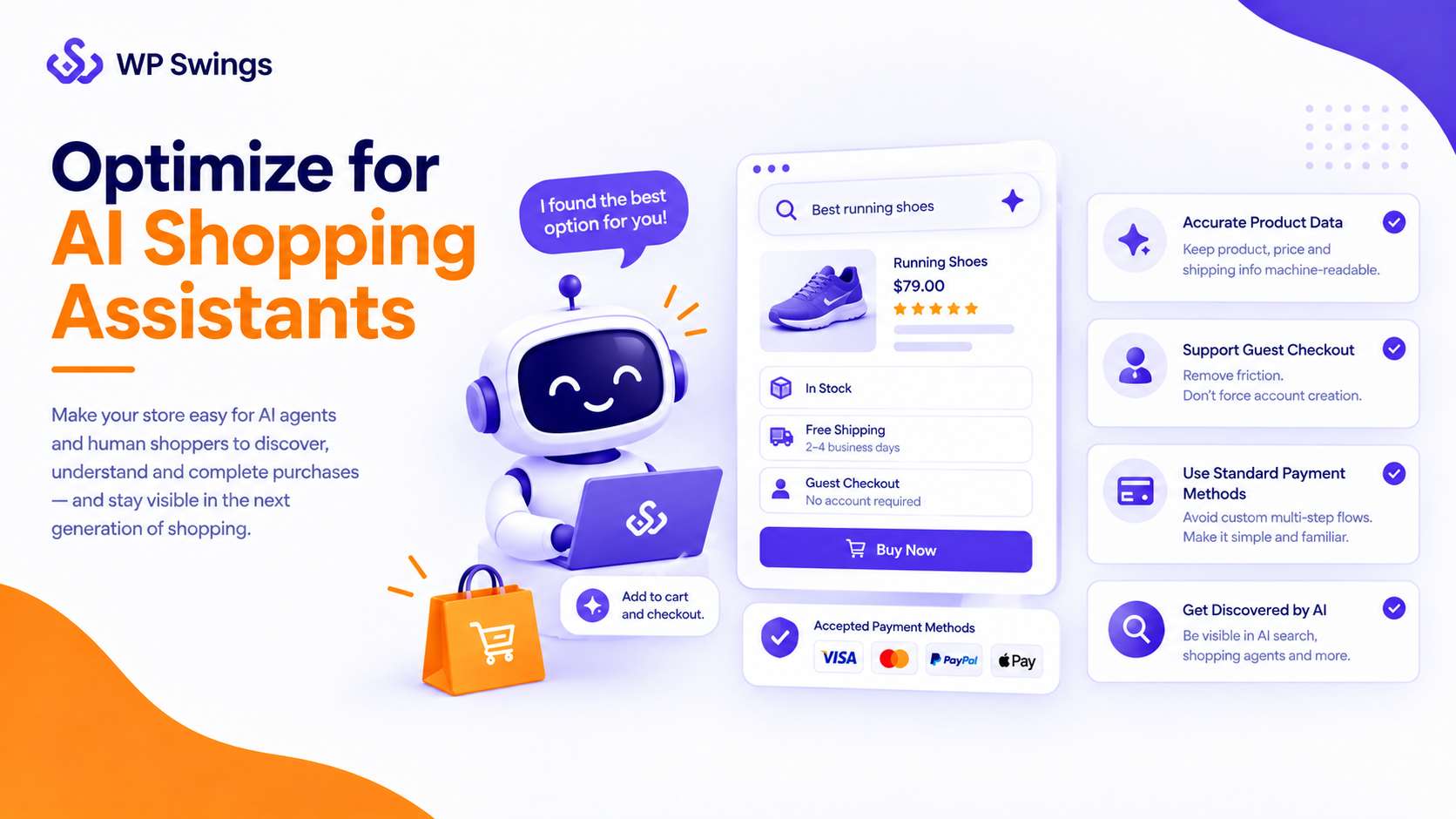
Keeping product, price, and shipping data accurate and machine-readable, supporting guest checkout instead of forcing account creation, and using standard, widely recognized payment methods rather than a custom multi-step flow all make your store easier for both AI agents and human shoppers to complete a purchase with, and stores that ignore this shift risk becoming effectively invisible to an increasingly significant slice of traffic.
9. Don’t Stop at “Order Confirmed”
Checkout optimization doesn’t end at payment, even though it’s tempting to treat the sale as finished the moment the order goes through.
A clear confirmation email, honest delivery expectations, and a simple post-purchase experience, including easy returns, loyalty perks, and a genuine thank-you, all shape whether a customer comes back for a second purchase or writes the brand off after one underwhelming experience.
Post-purchase behavior is really the final step of the checkout journey, not a separate one, and treating it that way tends to pay off in repeat orders rather than one-time transactions.
eCommerce Checkout Optimization Best Practices
If you only take away a short checklist, here are the eCommerce checkout optimization best practices worth prioritizing first:
- Offer guest checkout, don’t force account creation
- Show all costs (shipping, tax) before the final payment step
- Support at least 2–3 payment methods, including a digital wallet
- Keep forms short and use autofill
- Make sure checkout is fully responsive on mobile
- Add trust badges and a visible return policy
- Send an automated reminder for abandoned carts
- Test one change at a time so you know what actually worked
A Note on Holiday Checkout Optimization
Everything above matters year-round, but it gets tested hardest during the holiday season. Traffic spikes, patience drops, and even small friction points, like an extra form field or a missing payment option, cost more sales when volume is high.
The 2026 holiday shopping window is also stretching earlier and lasting longer than a single November-December spike, and a growing share of that traffic is arriving through AI shopping assistants rather than a typical browse-and-click path.
Stores that have already done the work of eCommerce checkout optimization the rest of the year tend to handle the holiday rush with far fewer lost sales, since there’s nothing new to fix under pressure, only existing systems doing their job at a larger scale.
Conclusion
eCommerce checkout optimization isn’t a single fix; it’s an ongoing combination of simpler forms, faster payments, mobile-first design, honest pricing, and a plan for the carts that still get abandoned.
Whether you’re comparing checkout optimization strategies, or just trying to figure out why shoppers leave at the last step, the goal stays the same: remove friction and make it easy for someone who already wants to buy to actually complete the purchase.
Share your thoughts in the comments, and let us know which checkout optimization strategies have worked best for your store.
Frequently Asked Questions
1. How do I optimize payment processing for ecommerce?
Offer more than one way to pay, and make sure whichever method is used feels fast and secure. Support at least one digital wallet (Apple Pay, Google Pay, PayPal) alongside standard cards, add a BNPL option for higher-priced items, use a PCI-compliant processor, and make sure failed payments show a clear, specific error instead of a generic decline, so shoppers know exactly what to fix instead of giving up.
2. How can I reduce checkout time on my store?
Reduce checkout time with autofill, digital wallets like PayPal or Apple Pay, and shorter forms. Avoid sending shoppers through unnecessary extra pages, the fewer steps between cart and payment, the less chance they have to change their mind.
3. How does optimized checkout reduce cart abandonment in ecommerce?
A faster, clearer checkout removes the exact moments where shoppers hesitate and leave, fewer form fields, upfront costs, and more payment options directly close the gap between “added to cart” and “purchased.” Each friction point removed (a mandatory account, a hidden shipping fee revealed too late, a missing payment method) is one less reason for a shopper who already intends to buy to change their mind at the last second.
4. How do I optimize checkout for digital products?
Strip out anything shipping-related since digital products don’t need it, and put delivery front and center instead. Remove shipping address fields entirely, show “instant access” or “instant download” messaging clearly at checkout, offer guest checkout so buyers aren’t blocked by a forced signup, and send delivery (download link, license key, access credentials) immediately in the confirmation step rather than making the buyer wait or dig for it.
5. How do I optimize the WooCommerce checkout process for better conversions?
Start with the default checkout’s biggest weaknesses: too many steps and a layout that isn’t built for mobile. Enable guest checkout, trim unnecessary fields, and use a checkout-focused plugin like Fluid Checkout or CheckoutWC to convert the default multi-page flow into a faster single-step or streamlined layout, then layer in digital wallets and an abandoned-cart recovery plugin on top.
About the Author: Mohd Talib