


The Accounting Software Market Size was valued at USD 15.23 Billion in 2025 and is expected to reach USD 29.38 Billion by 2033 and grow at a CAGR of 8.60% over 2026-2033.
The market for accounting software is continuously growing and projected to be about 29 billion by the year 2033. But why is the market growing so fast?
The answer is simple: businesses are realizing how powerful accounting software can be. From managing invoices and tracking expenses to automating financial tasks and generating reports, accounting software helps businesses save time, reduce manual work, and improve productivity.
However, as the famous Spider-Man quote says, “With great power comes great responsibility.” And in the world of accounting software, great features often come with higher pricing, complicated setup, and tools that can feel overwhelming for small businesses.
That’s where Zoho Books became a popular choice. It is user-friendly, affordable, quick to set up, and offers a solid set of accounting features for growing businesses.
But even Zoho Books may not be the perfect fit for everyone.
Every business setup has different needs. Some companies may require advanced reporting, better third-party integrations, stronger automation, or scalable pricing for growing their SaaS and eCommerce businesses. To get your accounting system up and running seamlessly, you can follow the Zoho Books Integration Guide.
Others may simply want a different user experience or features designed specifically for their industry.
That’s why exploring Zoho Books alternatives can be a smart move.
In this article, we will discuss the best Zoho Books alternatives, along with their top features, pricing, pros, and cons, so you can find the right accounting software for your business.
Let’s get started.
Table Of Contents
Why You Might Need Zoho Books Alternatives?
Zoho Books is a popular and budget-friendly accounting software, but it may not be the perfect fit for every business.
As your business grows, your accounting needs can become more advanced. You may require deeper reporting, better scalability, stronger automation, or third-party integrations with platforms like WooCommerce and other business tools.
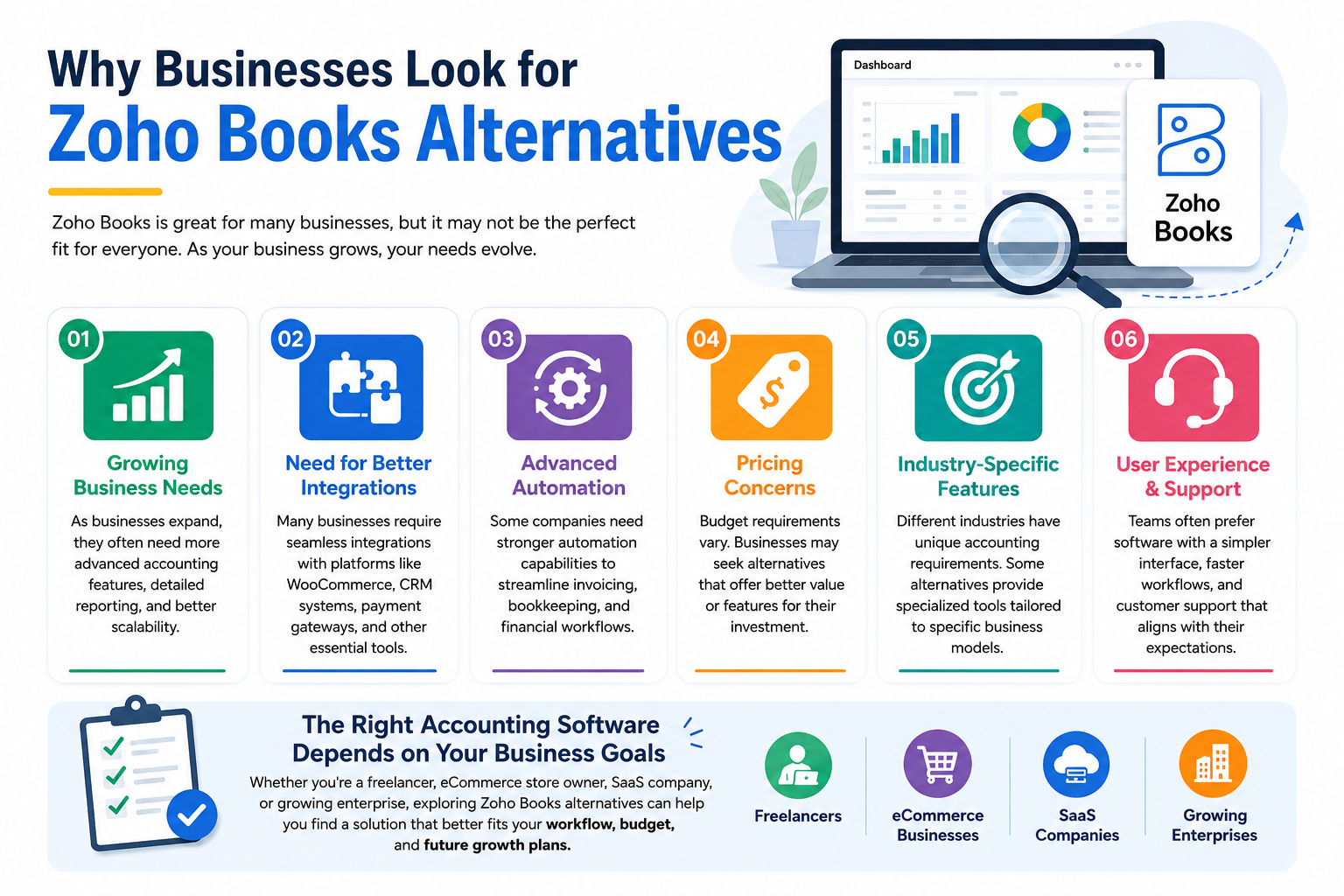
For some businesses, the issue could also be the pricing, customer support, or overall user experience. Your team may prefer software with a simpler interface, faster workflows, or features built specifically for your industry.
Different businesses have different priorities. A freelancer may want a lightweight and easy-to-use accounting tool, while a growing SaaS or eCommerce business may need advanced financial management and automation features.
That’s why many businesses explore Zoho Books alternatives to find a solution that better matches their workflow, budget, and long-term business goals.
What are The 8 Best Zoho Books Alternatives For Your Business?
Here are our 8 best Zoho Books alternatives to try, with top features, pricing, pros, and cons
1. QuickBooks Accounting
Quickbooks can be a great Zoho Books alternative. QuickBooks is a cloud-based accounting and business management system built by Intuit. It is best for small and mid-size businesses that need to manage invoicing, expenses, payroll, and basic inventory.
It supports multi-device access, which means it supports both web and mobile apps, and QuickBooks easily integrates with many third-party tools, such as WooCommerce.
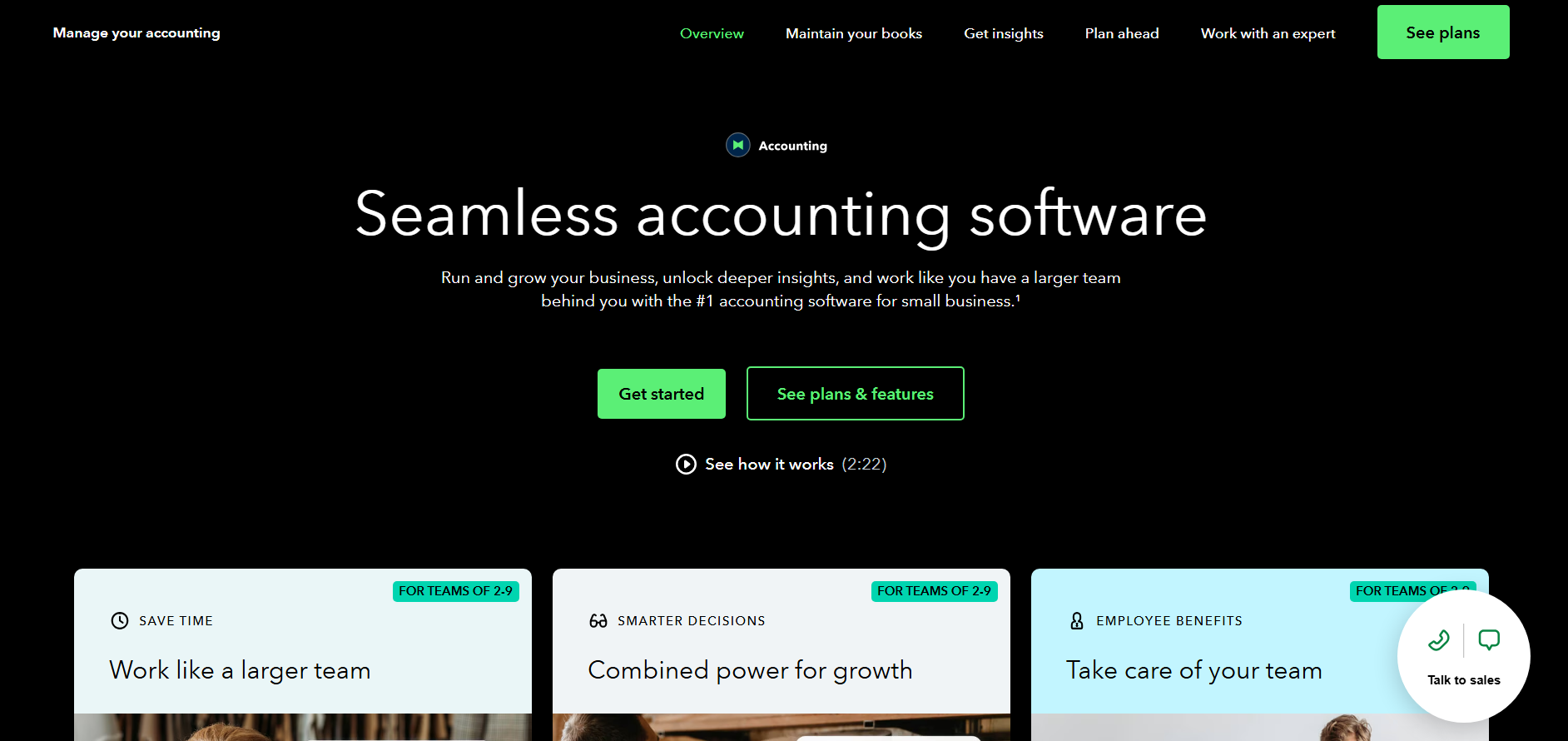
This makes it a strong alternative to Zoho Books, especially if you need a broader ecosystem support and want to easily collaborate with accountants.
Comparing it to Zoho Books, QuickBooks offers richer, detailed reporting and more add-ons with deep integration wth payment tools.
For businesses that want to go a step further, QuickBooks to Claude integration lets you ask questions about your financial data directly instead of building reports manually.
- Top Features: Advanced inventory tracking, Customizable Reports, Time Tracking, Project-based accounting, and more.
- Pricing: $38/month (Simple Start) to $275/month (Advanced) after recent price bump, billed monthly with no free tier.
- Pros: Robust architecture for complex businesses, multiple third-party integrations, easily scalable for growing businesses, and 24/7 customer support.
- Cons: Higher pricing than Zoho Books, can be an overwhelming interface for beginner users, and no free plan.
QuickBooks Integration for WooCommerce
2. Wave Accounting
Wave Accounting is a cloud-based accounting platform built for freelancers, small businesses, and startups. If your business is in its early stages and you want a fast and easy solution, Wave Accounting can be a great Zoho Books alternative.
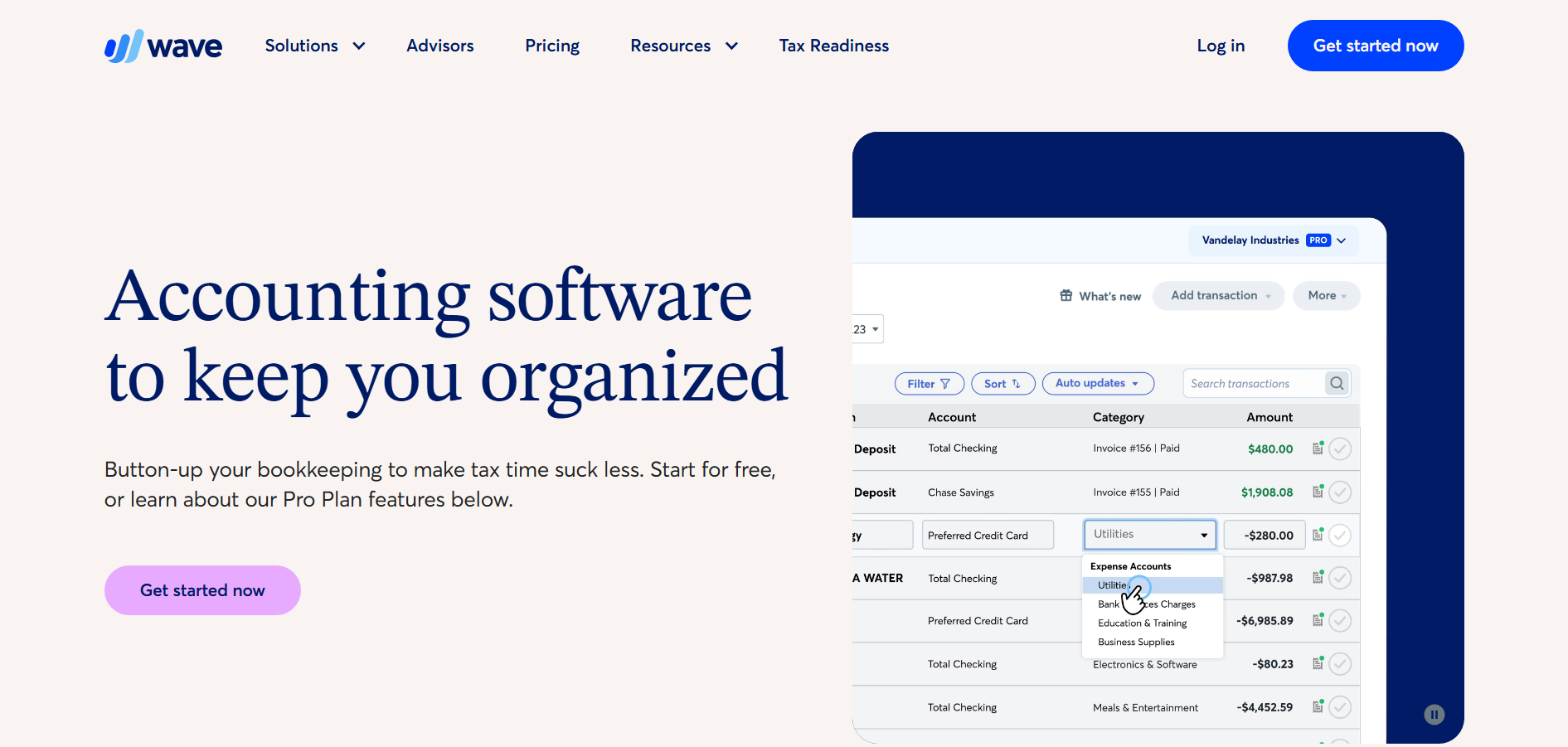
Its biggest advantage is that it offers core bookkeeping, invoicing, expense tracking, and import from bank features with a simple user-friendly interface, plus it also includes a free starter option.
In my recommendation: Choose Wave if you want a lightweight and budget-friendly accounting system for a small or solo business.
- Top features: Invoicing, income and expense tracking, receipt capture, and a straightforward dashboard.
- Pricing: The starter plan is free. If you want extra features, such as the option to accept online payments at a discounted rate, you can upgrade to the Pro Plan, which costs $19/month.
- Pros: Very affordable, easy to use, quick to set up, and good for solo users or small teams.
- Cons: Fewer advanced accounting, reporting, and automation features than Zoho Books, with weaker scalability for growing businesses.
3. Sage Accounting
Sage accounting is another cloud based accounting software, if you want a dependable tool fro long terms this can be a good fit as a zoho books alternatives, this is one of the tool in the list that is often better than zoho books and best fit for business that wants a more established accounting workflow and solid reporting, while zoho books usually stands out for its mother automation and broad range of integration, sage offers better invoicing and expense tracking.
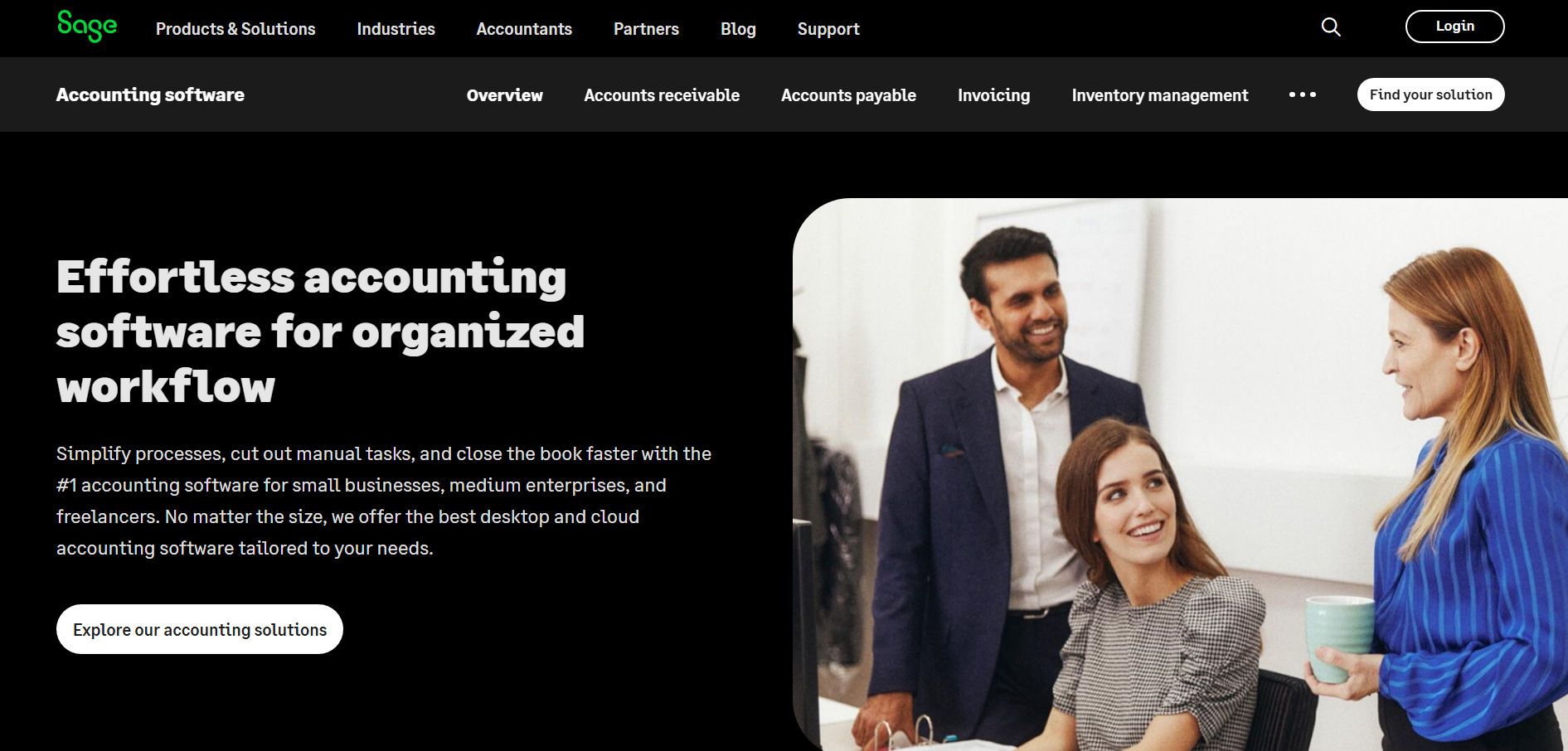
If you ask me, choose Sage Accounting if you value a reliable core for your accounting and a more traditional finance setup.
- Top features: Invoicing, expense tracking, tax compliance tools, inventory/job-cost controls, and multi-currency on higher plans.
- Pricing: Pro accounting plan starts at $124/month, advanced plans go up to $243/month
- Pros: Affordable for small businesses, good core accounting tools, strong expense/invoice handling, and scalable enough for growing teams.
- Cons: Some useful features are missing from lower tiers, and it may be less flexible for users who need advanced tracking, such as time or mileage.
4. Kashoo
Kashoo provides you with a straightforward way of bookkeeping, managing invoices, and expense tracking. And basic financial management, so it works well when you want something very simple and less overwhelming.
Comparing it with Zoho Books, it’s best for smaller teams that want a quick setup and a clean and minimal design.
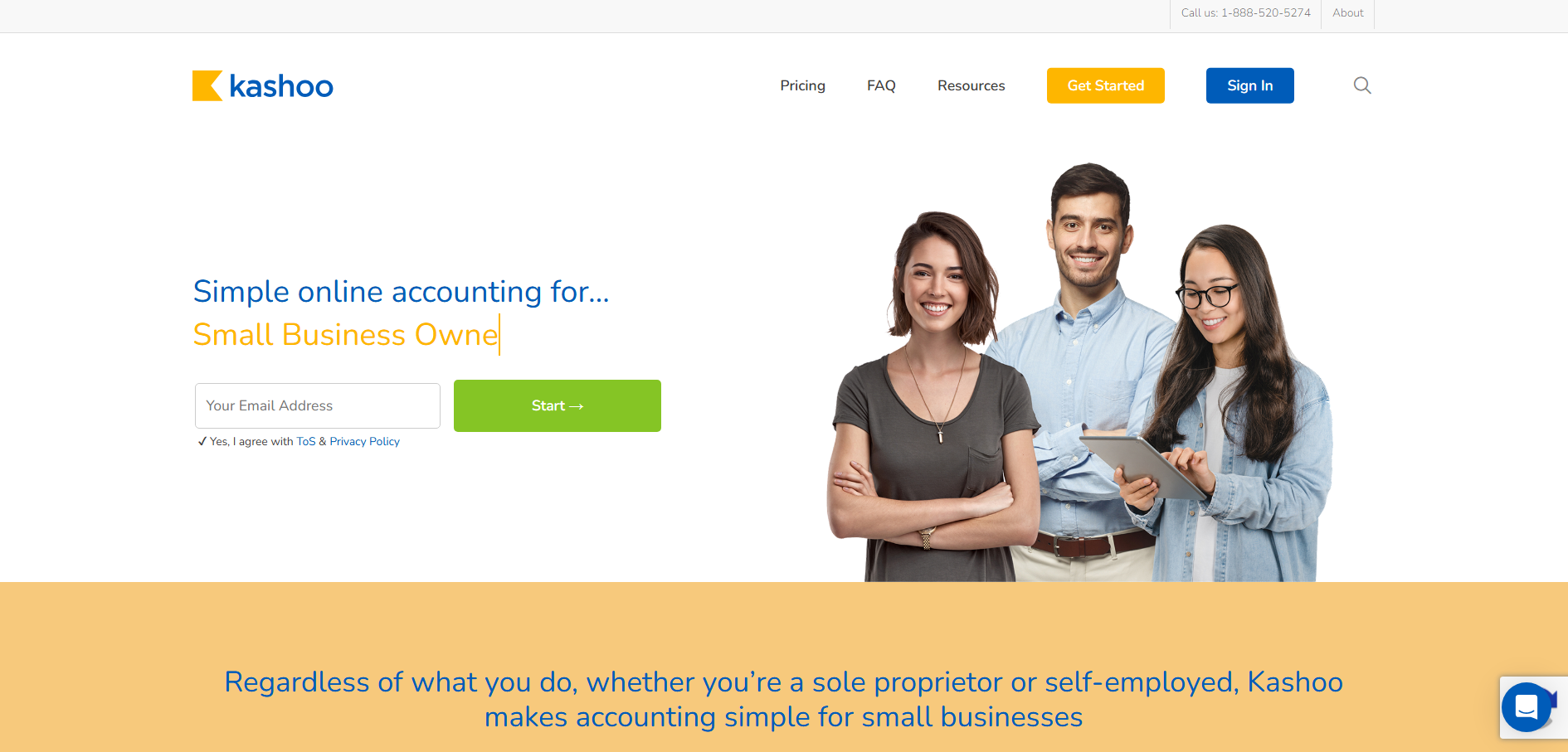
Kashoo can serve as a good Zoho Books alternative if you want a lightweight, user-friendly tool for basic accounting needs, while Zoho Books is better if you need more advanced or stronger features, but Kashoo is best if you have a small business or you are bootstrapping your startup.
- Top features: Invoicing, expense tracking, receipt capture, and payroll/payment integrations.
- Pricing: $30/Month and $324/Year
- Pros: Simple to use, one-plan pricing, solid support, and good basics for small businesses.
- Cons: Limited integrations, no Android app, no inventory management, and fewer automation features than Zoho Books
5. Xero
Xero is a cloud-based accounting software for SMEs to manage invoicing, bookkeeping, expense tracking, payroll, bank reconciliation, and financial reporting from one platform.
It is considered a strong alternative to Zoho Books because of its clean interface, wide range of third-party integrations, and strong accounting capabilities.
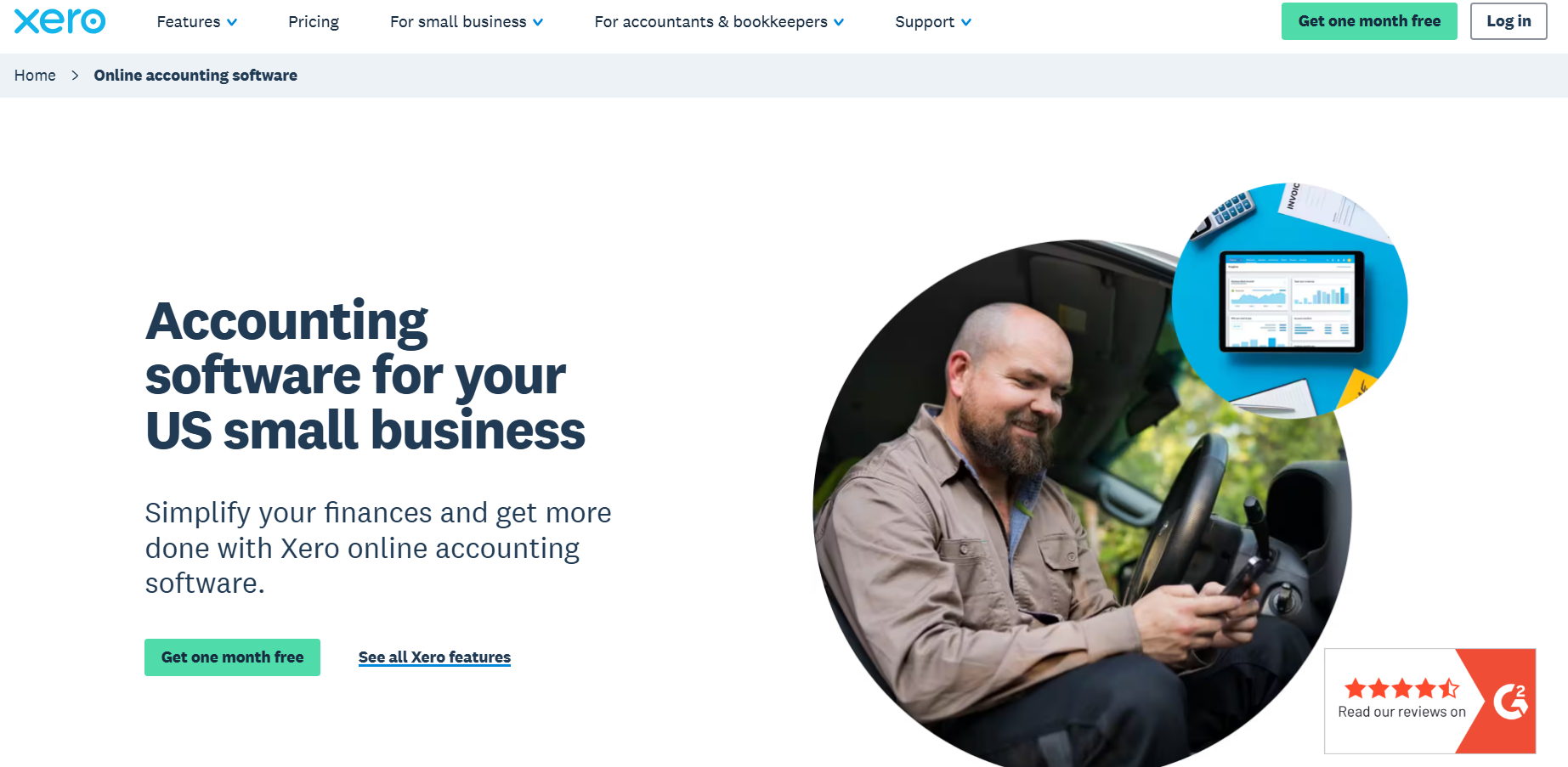
Xero is especially popular among businesses that need advanced accounting tools, multi-user access, and easy integration with payment gateways, eCommerce platforms, and banking systems.
While Zoho Books works well within the Zoho ecosystem, Xero offers more flexibility and global business support, making it a preferred choice for growing businesses and international operations.
Choose Xero if your business depends on international operations and you want heavy accounting capabilities and global business support.
- Top features: Invoicing, expense tracking, inventory management, payroll integrations, financial reporting, and multi-user collaboration.
- Pricing: Early Plan $25/Month, Growing Plan $55/Month, and Established Plan $90/Month
- Pros: Easy-to-use interface, strong accounting features, excellent third-party integrations, unlimited users, and great collaboration tools for accountants.
- Cons: Payroll is only available in selected regions, limited customer support on lower plans, learning curve for beginners
6. Odoo Accounting
Odoo Accounting is an open-source accounting and business management software that helps businesses handle invoicing, bookkeeping, bank synchronization, expense management, inventory, CRM, and ERP operations from a single platform.
It is considered a good Zoho Books alternative because it offers much broader business management capabilities beyond accounting, allowing businesses to manage sales, inventory, HR, manufacturing, and eCommerce in one interconnected system.
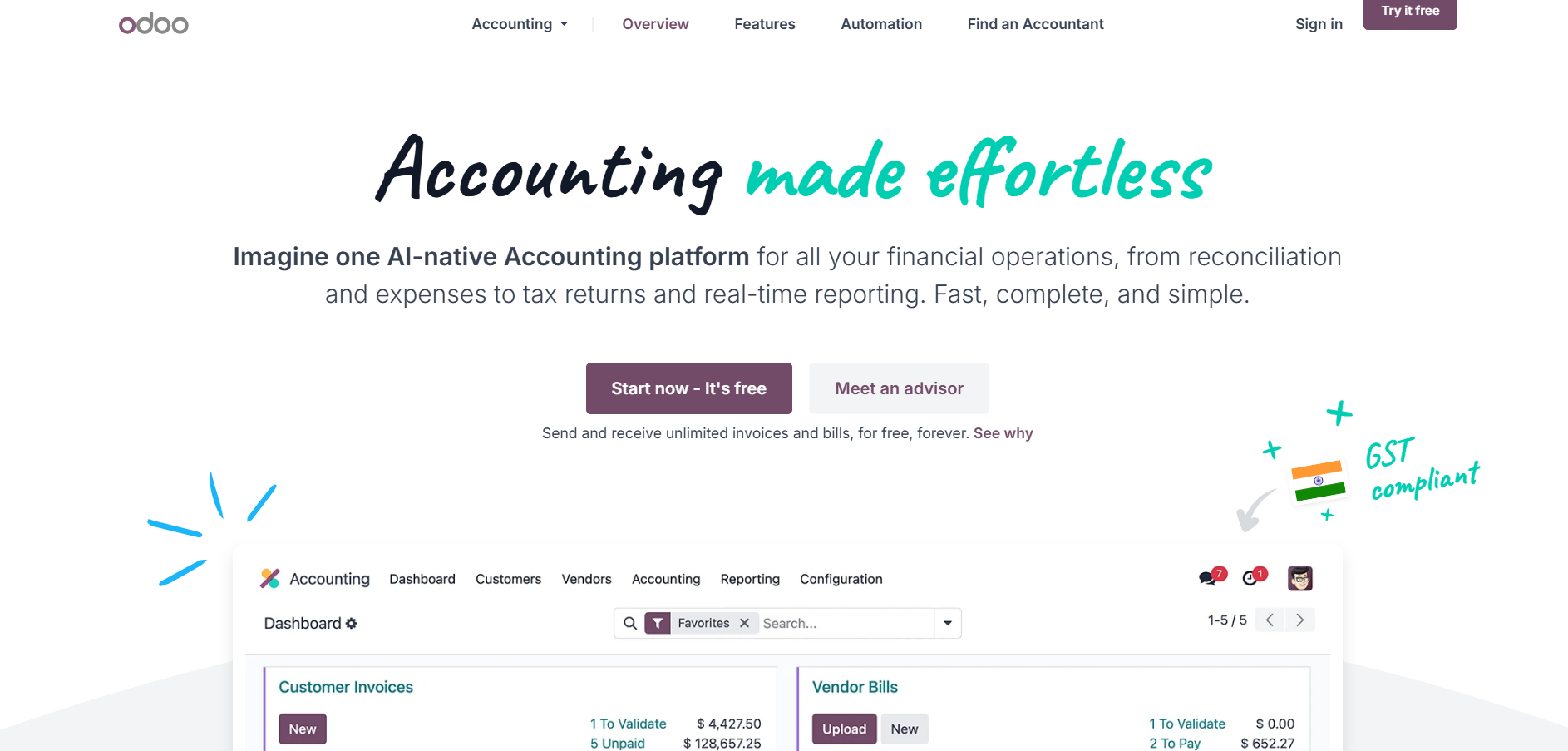
Odoo Accounting is especially useful for growing businesses that need customization, scalability, and modular features without relying on multiple separate tools.
If you are just starting and want an all-in-one package, Odoo can be a perfect solution for your business
While Zoho Books features are focused mainly on managing accounting and finance. Odoo provides a complete ERP ecosystem with greater flexibility.
- Top features: Invoicing, bank synchronization, expense management, inventory integration, automated accounting, financial reporting, and ERP integration.
- Pricing: Starts at around $9.10 per User/Month (pricing varies based on apps and users).
- Pros: Highly customizable, all-in-one ERP system, strong automation features, scalable for growing businesses, and open-source flexibility.
- Cons: Can be complex for beginners, setup may require technical expertise, some advanced features require paid apps, and customization costs can increase over time.
7. FreshBooks
FreshBooks is a cloud-based accounting and invoicing software designed mainly for freelancers, self-employed professionals, and small businesses.
It helps users manage invoices, expenses, time tracking, payments, project collaboration, and financial reporting from a simple and user-friendly dashboard.
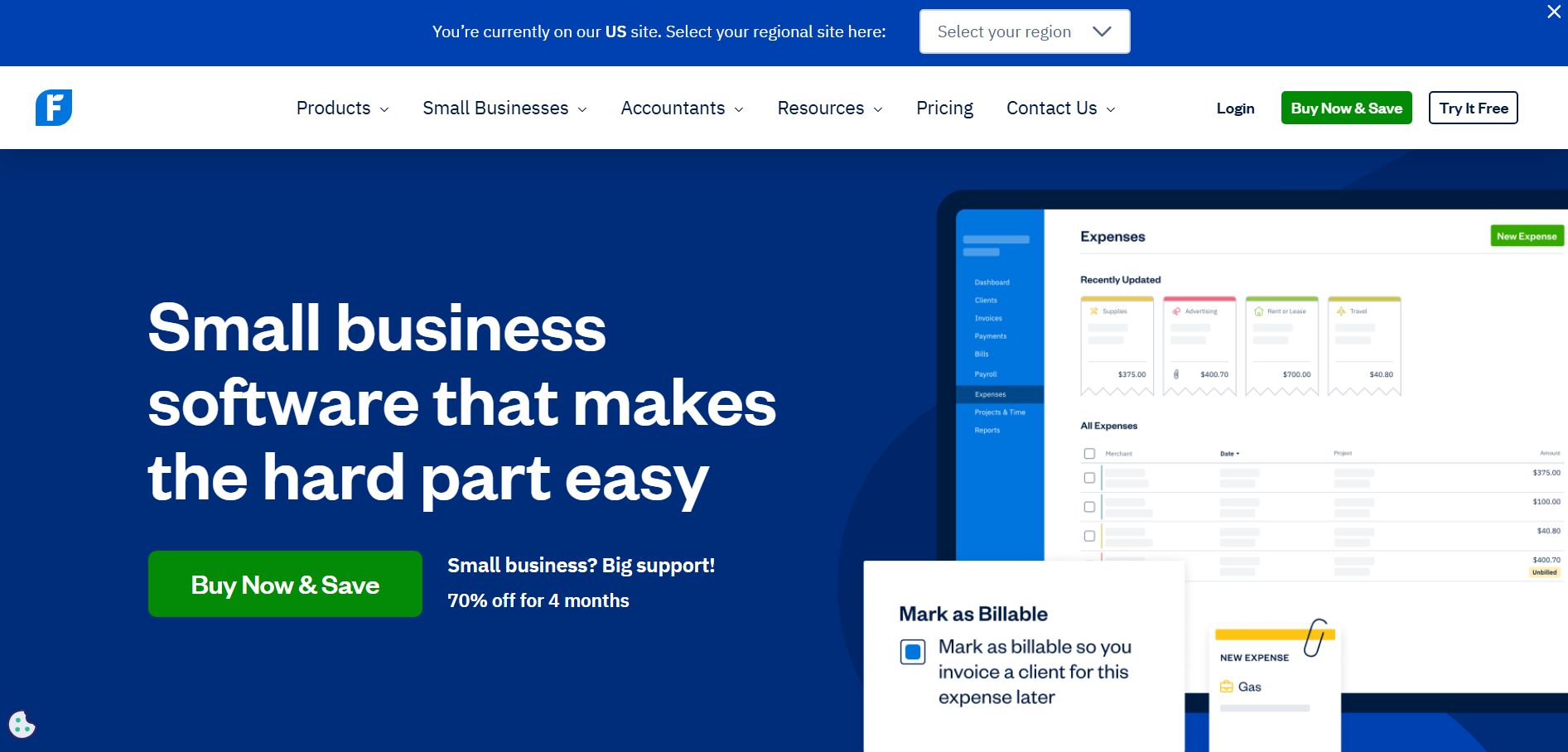
It is considered a good alternative to Zoho Books because of its ease of use, fast invoicing process, built-in time tracking, and strong client management features.
FreshBooks is especially popular among service-based businesses that need straightforward accounting without the complexity of advanced ERP systems.
- Top features: Invoicing, expense tracking, time tracking, project collaboration, online payments, and financial reporting.
- Pricing: Starts at $23/Month and $276/Year.
- Pros: Easy-to-use interface, excellent invoicing tools, built-in time tracking, strong client management, and useful for freelancers and service businesses.
- Cons: Limited inventory management, fewer advanced accounting features, user limits on lower plans, and it can become expensive as teams grow.
8. Refrens Cloud Accounting Software
Refrens is a cloud-based accounting and business management platform built for startups, SMEs, service businesses, IT companies, agencies, and consultants. It goes beyond traditional accounting by combining invoicing, bookkeeping, CRM, inventory, workflow automation, and financial management into a single platform. With AI-powered features, real-time business insights, and an intuitive interface, Refrens helps businesses automate repetitive tasks, improve financial visibility, and manage their operations more efficiently.
Refrens is a strong alternative to Zoho Books for businesses looking for an all-in-one solution with built-in business workflows, AI capabilities, and affordable pricing. While Zoho Books focuses primarily on accounting, Refrens extends its capabilities with CRM, approval workflows, and AI-assisted business management.
Choose Refrens if you want an easy-to-use accounting platform that combines finance, customer management, and business automation in one place.
- Top features: AI-powered accounting with FREYA, OCR-based invoice and bill processing, built-in CRM, approval workflows, inventory management, real-time financial insights, e-Invoicing, bank reconciliation, recurring invoicing, and integration with ChatGPT and Claude.
- Pricing: Free plan available. Paid plans start with affordable annual pricing, with advanced features available across higher-tier plans.
- Pros: Easy-to-use interface, AI-powered automation, built-in CRM and workflow management, real-time business insights, exceptional customer support, and affordable pricing.
- Cons: Limited third-party integrations compared to some competitors, though additional integrations are continuously being added.
Comparison Table For Quick Insights
To simplify your decision-making process, here’s a side-by-side comparison of the top Zoho Books alternatives based on top features, affordability, pros and cons:
| Software | Pros | Cons | Top Features | Pricing |
|---|---|---|---|---|
| QuickBooks Accounting | Robust architecture, extensive integrations, scalable, 24/7 support | Higher pricing, overwhelming for beginners, no free plan | Inventory tracking, customizable reports, time tracking, project accounting | $38/month – $275/month |
| Wave Accounting | Free starter plan, easy to use, quick setup, ideal for small teams | Limited advanced features, weaker reporting, less scalable | Invoicing, income & expense tracking, receipt capture, dashboard | Free, Pro $19/month |
| Sage Accounting | Strong invoicing, expense tracking, affordable, scalable | Features locked behind higher plans, limited advanced tracking | Invoicing, expense tracking, tax compliance, inventory controls | $124/month – $243/month |
| Kashoo | Easy to use, clean interface, one-plan pricing, reliable support | Limited integrations, no Android app, no inventory management | Invoicing, expense tracking, receipt capture, payroll integrations | $30/month or $324/year |
| Xero | Strong accounting features, unlimited users, excellent integrations | Payroll limited by region, support limitations, learning curve | Invoicing, expense tracking, inventory management, reporting | $25/month – $90/month |
| Odoo Accounting | Highly customizable, scalable, strong automation, open-source | Complex setup, technical expertise required, customization costs | Invoicing, bank sync, expense management, ERP integration | From $9.10/user/month |
| FreshBooks | Easy-to-use, excellent invoicing, time tracking, client management | Limited inventory, fewer advanced features, user limits | Invoicing, expense tracking, time tracking, project collaboration | From $23/month or $276/year |
Conclusion
Choosing the right AI Accounting software can make a huge difference in how smoothly your business operates. While Zoho Books is a reliable and budget-friendly solution, it may not fit every business requirement, especially as your operations grow or become more complex.
The good thing is that there are many strong Zoho Books alternatives available, each offering unique strengths. Whether you need advanced reporting with QuickBooks, a free and simple setup with Wave, strong accounting workflows with Sage, a lightweight solution like Kashoo, global scalability with Xero, an all-in-one ERP ecosystem with Odoo, or freelancer-friendly features from FreshBooks, there is a platform designed for your specific needs.
Before choosing an accounting software, analyze your business size, budget, scalability requirements, integrations, and long-term goals.
The right solution will not only help you manage finances efficiently but also save time, improve productivity, and support business growth in the long run.
Additionally, if you want to scale your store efficiently, sync customer data, and automate workflows, it is highly recommended to pair your accounting tool with a powerful CRM. You can explore the Top WooCommerce CRM Integration Plugins to find the best tool for managing your customer relationships alongside your finances.
Power Up Your Business This Festive Season
Frequently Asked Questions
1. Is QuickBooks better than Zoho Books?
Whether QuickBooks is better than Zoho Books depends on your business requirements, budget, and the features you need.
QuickBooks is often preferred by growing businesses because of its advanced accounting tools, large integration ecosystem, and strong reporting capabilities.
On the other hand, Zoho Books is a more budget-friendly option that works especially well for small businesses already using the Zoho ecosystem.
2. Can I migrate from Zoho Books without losing data?
Yes, you can migrate from Zoho Books to another accounting platform without losing important data.
Most accounting software solutions provide import and migration tools for invoices, customers, transactions, products, and financial records.
However, it is always recommended to back up your data before migration and carefully verify imported records after the transfer process.
3. Which accounting software is easiest for beginners?
Wave and FreshBooks are often considered among the easiest accounting software options for beginners.
Both platforms offer clean dashboards, simple invoicing tools, and user-friendly navigation, making them ideal for freelancers, startups, and small business owners with limited accounting experience.
4. What is the cheapest alternative to Zoho Books?
Wave is one of the cheapest alternatives to Zoho Books because it offers free core accounting features for small businesses.
FreshBooks is another affordable option, especially for freelancers and service-based businesses looking for simple invoicing and expense tracking features.
5. Which Zoho Books alternative is best for WooCommerce?
Xero and QuickBooks are among the best alternatives to Zoho Books for WooCommerce stores.
Both platforms support multiple WooCommerce connectors, automation tools, and third-party integrations that help synchronize orders, taxes, inventory, and customer data more efficiently.
About the Author: Mohd Talib








I appreciate the depth of research that went into this article. Great job.