



If you’re an eCommerce enthusiast like me, you’re likely no stranger to the potential of WooCommerce. Launched in 2011, it quickly took over the eCommerce market due to its ease of installation and customisation to users’ needs. But what if I tell you that you could take your WooCommerce store to the next level by offering subscription-based products or services? That’s where subscription plugins come into play.
From the dark abyss of the internet, I have curated some of the WordPress subscriptions plugin for your online store. These plugins are easy to integrate with your store, helping you manage subscription-based products and services like a piece of cake, each designed to help you boost customer loyalty, enhance your revenue stream, and provide an extraordinary shopping experience for your customers.
In this article, we’ll explore the best WordPress Subscription plugin. Whether you’re a growing entrepreneur or an established online business owner, these plugins will show you the world of new possibilities for your eCommerce venture.
So, let’s dive in and discover the best subscription plugin that can elevate your eCommerce store to new heights.
Table Of Contents
What Is A WordPress Subscription Plugin?
WordPress subscription plugin allows you to add a subscription to your products. A Subscription model is a recurring revenue model in which users pay recurring fees on a monthly or yearly basis in exchange for your products and services.
Users can renew or cancel their subscriptions after a certain period of time. This model allows you to build better customer relationships and leverage a steady stream of income.
The subscription model is beneficial for both merchants and customers. Customers benefit from the convenience of automatically purchasing a product or service they know they will need in the future, and as a business owner, this allows you to retain customers for future sales, eliminating the need to constantly engage them with promotions and offers.
Additionally, you get a consistent stream of recurring revenue to ensure the financial stability of your business.
“The global subscription economy market is growing from $623.61 billion in 2025 to $738.82 billion in 2026, at a CAGR of 18.5%. (Source: Research and Markets, 2026 ) (Source: Research and Markets, 2026 )”
Top 7 Best WordPress Subscription Plugin
Let’s see some of the best subscriptions plugin to get you started in the booming world of subscriptions.
1. Subscriptions For WooCommerce Pro By WP Swings
WooCommerce lacks the customisation for recurring revenue, which is why a fully customisable plugin is necessary.
Subscription for WooCommerce Pro Offers Features that are not currently available in WooCommerce, allowing you to go beyond the WooCommerce limit.
With Subscription for WooCommerce Pro, you can easily integrate the Subscription model into your online store, and with a simple variable-based option, you can offer subscription-based products and services.
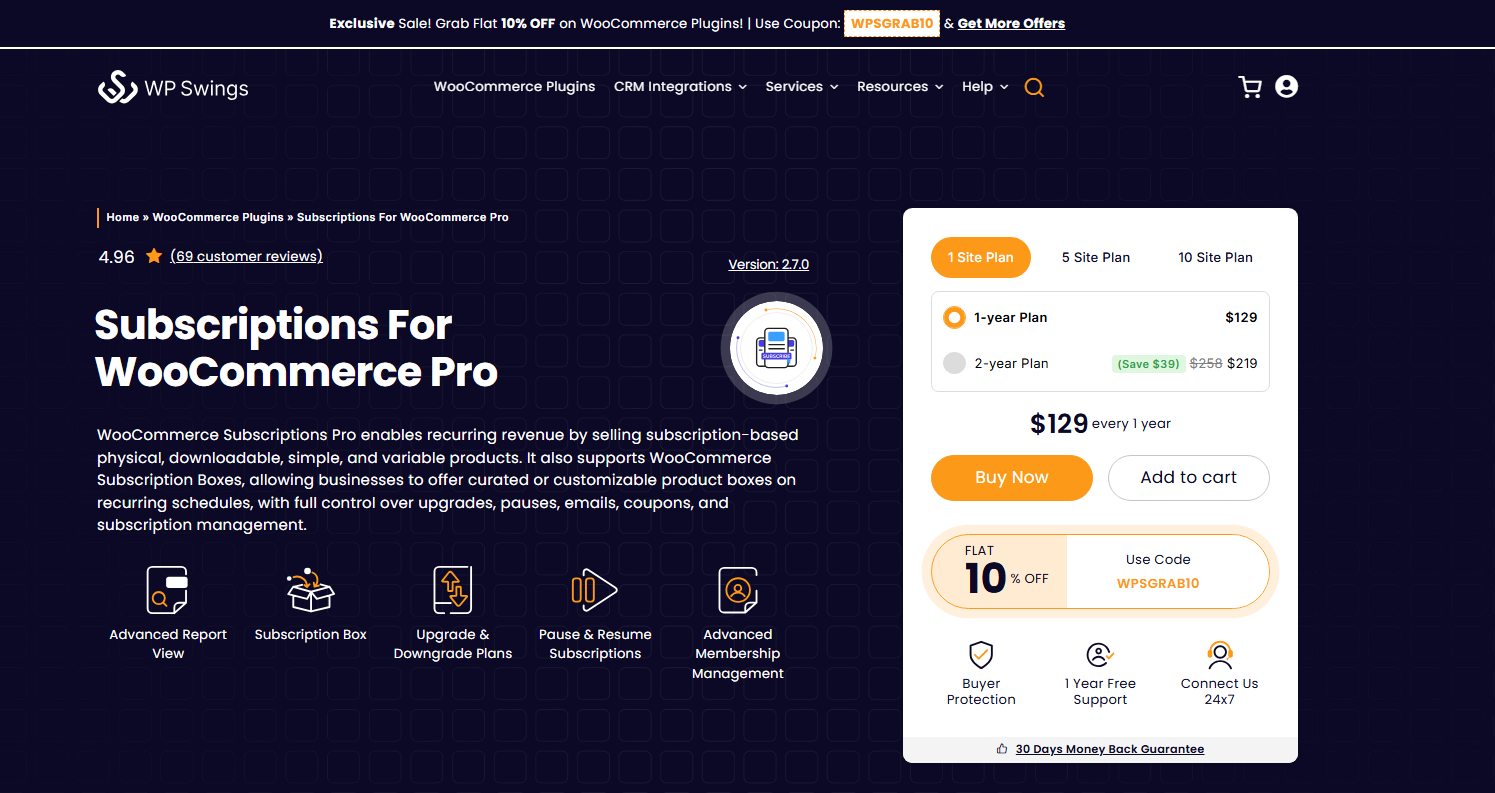
You can sell physical subscription products, downloadable subscription products, and everything in between. Furthermore, you can create multiple subscriptions and offer manual payment methods for subscriptions like cash on delivery, direct bank transfer, etc
Key Features Of Subscriptions For WooCommerce Pro
- Subscription Box: WordPress Subscription Plugin by WP Swings comes with the subscription box feature. You can create custom subscription boxes and add products to them. Your customers can browse and add desired products to their subscription box and receive deliveries monthly, bi-yearly, or at any defined interval.
- Allow Multiple Quantities on Subscription Products: The WooCommerce Subscriptions plugin allows customers to add multiple quantities of any subscription product. For example, if a customer wants five jars of peanut butter, they can easily increase the quantity while shopping.
- Manual Subscriptions: Subscriptions for WooCommerce Pro allows admins to create subscription orders manually and assign them to any customer.
- Manage Membership With Access Rules: The plugin includes a membership feature, eliminating the need for a separate membership plugin. Store owners can create and manage membership plans, restrict access to content and products, and track membership performance through a detailed analytics dashboard.
- Various Payment Gateways: Subscription for WooCommerce supports multiple payment gateways, including Stripe, PayPal, WooCommerce PayPal Standard, and more, for a seamless checkout experience.
- AI-Based Churn Prediction and Revenue Forecasting: Get detailed predictions for monthly and annual recurring revenue along with insights into future subscription performance. AI also identifies subscriptions that are at high risk of cancellation and provides possible reasons for churn.
- Email Reminders: Set automated email reminders to notify users about recurring payments, subscription expiry, completion, pause, resume, and reactivation events.
Pricing:
- Free on WordPress Org: Download WordPress Subscription Plugin
- $129.00 / Year
- $269/year – 5 Site Package
- $529/year – 10 Site Package
Still deciding? Try it before you commit
2. Sumo Subscriptions
Sumo subscriptions plugin is a WooCommerce subscription system for recurring payments. It’s an easy-to-use subscription plugin that you can use to create and manage subscription products from your existing WooCommerce Shop.
It offers various interesting features, including sending multiple and overdue payment emails, subscribers can turn off their automatic payments, WPML compatibility allowing you to translate into multiple languages, options to include tax cost in subscription renewal, and many more.
Key Features Of Sumo Subscriptions
- Subscription Payment Synchronisation
- Allow Subscribers to Update Subscription Quantity
- Free Trial and Paid Trial are supported
- Site admin can manually create an order with Subscription and assign it to any User
- Settings of Subscription Products can be bulk updated using Bulk Action
- Option to Include/Exclude Shipping Cost in Subscription Renewal
- Compatible with learning management system (LMS)
Pricing: Regular Licence $49
3. YITH WooCommerce Subscription Plugin
Yith Subscription plugin enables you to add subscriptions to virtual and physical products. The plugin allows you to create multiple subscriptions for your products that your customers can easily purchase.

The plugin provides many configuration options allowing you to pause, resume, or cancel any user’s subscription. Additionally, you can also decide what to do when a user fails to make the payment.
Furthermore, you can also set up email notifications to send your customers alerts on major actions, including failed payments, suspended subscriptions, etc. Moreover, the plugin facilitates additional coupons, which you can set to offer discounts on sign-up and recurring fees.
Key Features Of YITH Subscriptions
- Product variation to create subscription products
- Allow users to pause, resume, and cancel their subscription
- Email notification for admin and customers
- Gutenberg module to show subscription boxes
- Export subscription details to CSV
- Set Free trial period
Pricing: Free and $199/Year
4. WPSubscription
WPSubscription is a freemium plugin that makes it simple to add recurring payments to your WooCommerce store. It supports both simple and variable products, allowing you to create flexible billing cycles for digital products, memberships, services, or physical goods.
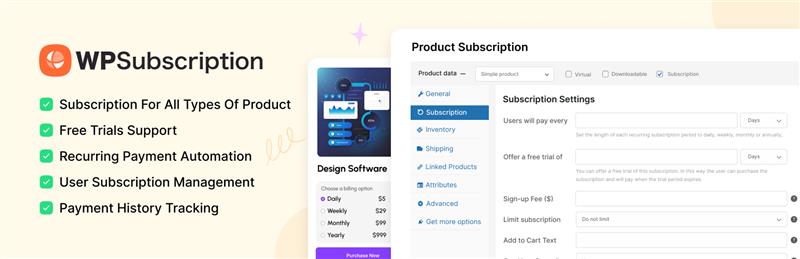
The plugin provides full control over trial periods, sign-up fees, and billing intervals, including daily, weekly, monthly, or yearly options. Customers can manage their subscriptions directly from their account page. It’s compatible with popular gateways like PayPal, Stripe (Pro), Razorpay, and Paddle.
Key Features of Subscriptions For WooCommerce
- Simple and variable product subscriptions
- Flexible billing cycles and trial options
- Customers can pause, cancel, or resume subscriptions
- Subscription dashboard for store owners
- Compatible with Stripe (Pro), PayPal, Razorpay, and Paddle
- Translation-ready for multilingual stores
- Automated email notifications for renewals, cancellations, and expirations
Pricing:
- Free version available.
- The Pro version starts at $89/year, with lifetime deals and bundle pricing options available.
5. WooCommerce Subscriptions
WooCommerce subscription is an official plugin by WooCommerce. It streamlines the process of setting up and managing subscriptions, and as it’s developed by WooCommerce, you can easily integrate it with your online store without worrying about compatibility issues.
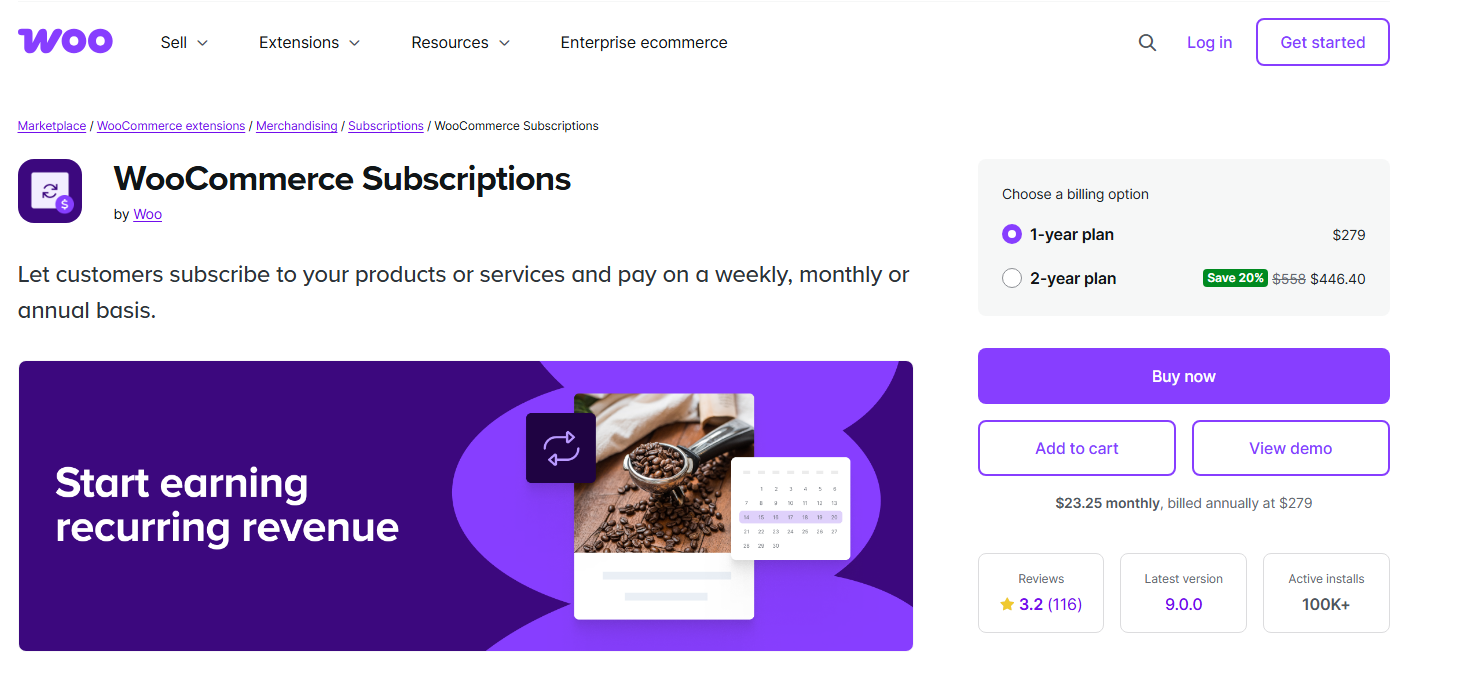
You can use this plugin to offer a trial period to customers, set up limited-time deals, and give subscribers the ability to manage their subscription plans.
It’s a great plugin for those who want to introduce a subscription model in their WooCommerce store without delving into much more complex functionality, making it an ideal choice for beginners and small businesses alike.
Key Features Of WooCommerce Subscriptions
- Variable Subscriptions
- Free Trials & Sign-Up Fees
- Subscriber Account Management
- Upgrade and Downgrade Subscriptions
- Multiple Subscriptions
- Subscription Coupons
Pricing: $279/Year
6. WP Simple Pay
WP Simple Pay is a Payment plugin but you can use this to create subscriptions on your WooCommerce store. It accepts payments via PayPal and Stripe and is very easy to install and use.
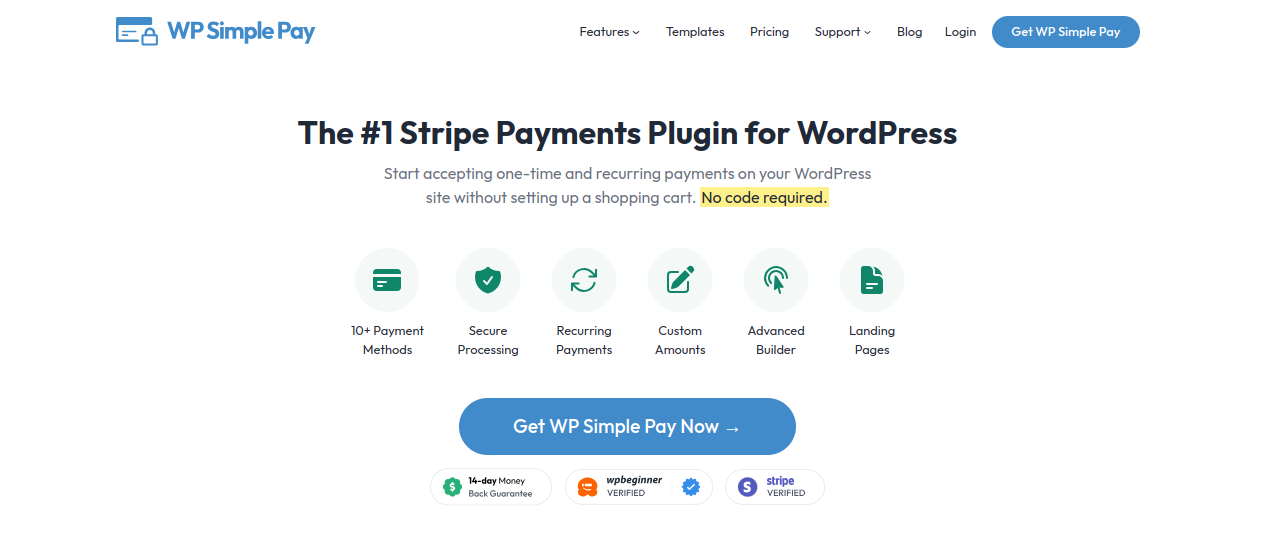
The premium version of the plugin offers various pricing options to choose from according to your requirements. The plugin makes it easy to buy subscription plans for your products and anything else you sell.
Additionally, the plugin offers easy-to-use drag-and-drop boxes to build forms, making it very beginner-friendly
Key Features Of WP Simple Pay
- Create Recurring Payments
- Buy Now Pay Later
- Powerful Automation with WordPress CMS
- 10+ Payments Methods
- Tax Collection Feature
- Offer Free Trials Before Collecting Payment
Pricing:
- $49.50/year – personal
- $99.50/year – plus
- $199.50/year – professional
- $299.50/year – elite
7. Paid Member Subscriptions
Paid Member Subscription plugin allows you to create multiple hierarchical subscription plans that users can select from while choosing a subscription. You can accept payments, manage your members, restrict premium content, etc
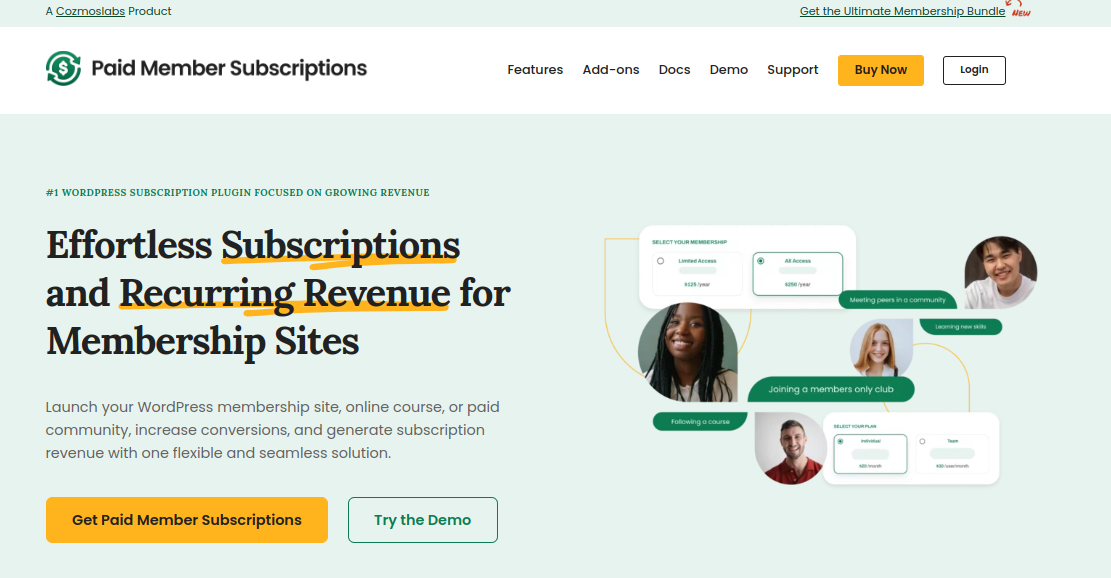
It lets you offer a free trial to your customers before they choose any paid subscription. Additionally, you can delete and edit a user’s subscription details, allowing you to gain full control over the subscription model.
Furthermore, you can accept users’ payments through PayPal, track and manage their status, and access purchase information with detailed payment logs.
Moreover, it also allows you to export members and Subscription details in a CSV file anytime you want.
Key Features Of Paid Members Subscriptions
- Shortcode Support
- Content Restriction
- Hierarchical Subscription plans
- Export member details to CSV
- Offer a discount on products only to subscribed users
- Detailed Payment Logs
Pricing: Free and Paid $169/ Year
Comparison Table For Quick Insights
Here is the Comparison Table For Best WordPress Subscription Plugin to help you make quick decisions.
| Plugin | Key Features | Pros | Cons | Pricing |
|---|---|---|---|---|
| Subscriptions for WooCommerce Pro (WP Swings) | Exclusive subscription coupons, one-time subscription pricing, multiple quantities, manual subscription orders, multiple payment gateways (Stripe, PayPal), email reminders | Highly customizable; free version available; supports manual payment methods like COD/bank transfer; full upgrade/downgrade control | Advanced features locked behind paid tiers | Free (basic); $109/yr (1 site) · $268/yr (5 sites) · $529/yr (10 sites) |
| Sumo Subscriptions | Payment sync, bulk update via Bulk Action, free/paid trials, manual order creation, WPML support, LMS compatible | One-time license fee (no recurring cost); multilingual support; flexible shipping cost handling | No free version; one-time pricing model may mean less ongoing support/updates | $49 (regular license) |
| YITH WooCommerce Subscription Plugin | Works on virtual/physical products, pause/resume/cancel, email notifications, Gutenberg subscription box module, CSV export, free trial | Free version available; good notification system | Pro features needed for full functionality; pricier than some alternatives | Free (basic); $199/yr (Pro) |
| WP Subscription | Simple/variable product support, flexible billing cycles, customer self-service (pause/cancel/resume), multi-gateway | Strong free version; affordable Pro tier; lifetime/bundle deal options; translation-ready | Stripe requires Pro version; newer plugin with smaller track record | Free version available; Pro from $89/yr |
| WooCommerce Subscriptions (Official) | Variable subscriptions, free trials, sign-up fees, subscriber account management, upgrade/downgrade, subscription coupons | Built by WooCommerce itself, so excellent compatibility; beginner-friendly; well-documented | No free version; ongoing monthly cost; fewer advanced customization options vs third-party plugins | $279/yr |
| WP Simple Pay | Recurring payments, Buy Now Pay Later, drag-and-drop form builder, 10+ payment methods, tax collection, free trials | Very beginner-friendly; flexible payment options; not WooCommerce-dependent | Primarily a payment plugin, not a dedicated subscription manager; less feature depth for complex subscription logic | $44.50/yr (Personal) · $79.60/yr (Plus) · $139.65/yr (Professional) · $209.65/yr (Elite) |
| Paid Member Subscriptions | Hierarchical subscription plans, content restriction, shortcode support, CSV export, detailed payment logs, free trials | Free version available; strong for membership/content-gating use cases; detailed logging | Only supports PayPal for payments; better suited to memberships than physical/product subscriptions | Free (basic); $99/yr (Pro) |
Which WordPress Subscription Plugin To Choose?
The right plugin depends less on which one is “best” and more on what your store actually needs. A few questions worth asking yourself first:
Are you a beginner who wants something simple and officially supported?
WooCommerce Subscriptions (the official plugin) or WPSubscription’s free tier is a good starting point since they integrate natively with minimal setup.
Do you need advanced customisation, like manual subscription orders, exclusive subscription coupons, or flexible payment methods such as cash on delivery?
Look at plugins like Subscriptions for WooCommerce Pro, YITH, or Subscriptio, which go beyond WooCommerce’s default limitations.
Once you’ve narrowed it down by use case, you can also extend your store further with complementary tools, for example, a Points and Rewards Plugin to gamify customer loyalty, or Gift Card for WooCommerce Pro to support group gifting and coupon-based rewards.
The comparison table above breaks down features, pros, cons, and pricing side by side, so you can match a plugin to your specific requirements rather than relying on a single universal answer.
If you’re still weighing your options, Subscriptions for WooCommerce Pro by WP Swings is worth a closer look, backed by a free tier to get started.
Conclusion
The subscription model isn’t slowing down, and adding one to your WooCommerce store is one of the more reliable ways to build a flexible, recurring revenue stream.
Beyond the financial stability it brings, it also helps you build deeper customer loyalty and reduces how much you need to spend acquiring new buyers every month.
In this article, we’ve covered seven of the best WordPress subscription plugin, each with different strengths depending on your store’s size, budget, and customization needs.
Use the comparison table above to weigh features, pricing, and trade-offs side by side, and pick the one that fits your specific setup rather than a one-size-fits-all answer.
Whichever plugin you choose, the important step is getting started. If you have any questions about picking the right fit for your store, drop them in the comments below, we read and reply to every one.
Frequently Asked Questions
1. How do I set up a content paywall using a WordPress Subscription plugin?
To restrict premium content behind a paywall, you’ll need a plugin that supports content restriction tied to subscription or membership status.
The general steps are: install a subscription or WordPress membership plugin, create a subscription product or membership tier, then use the plugin’s restriction settings (often via shortcodes or page-level rules) to lock specific pages, posts, or downloads to subscribers only.
Subscriptions for WooCommerce Pro by WP Swings supports this through its membership-style functionality, letting you gate content, or products behind an active membership.
2. What are some affordable subscription plugins compatible with WooCommerce?
A few options stand out on the lower end of the pricing spectrum:
WPSubscription offers a free version with a Pro tier starting around $89/year.
Subscriptions for WooCommerce Pro also has a free version available, with paid plans starting at $109/year.
YITH WooCommerce Subscriptions and Paid Members Subscriptions both offer free versions as well, useful if you want to test the subscription model before committing to a paid plan.
Pricing alone shouldn’t be the only factor though, it’s worth checking which features (payment gateways, trial periods, content restrictions) are included in the free tier versus locked behind the paid version.
3. How do I add a subscription model to my WordPress website using a plugin?
You’ll need WooCommerce installed first if you’re selling products, since most subscription plugins build on top of it. From there:
- Install a subscription plugin (such as Subscriptions for WooCommerce Pro, WooCommerce Subscriptions, or WPSubscription).
- Connect a payment gateway that supports recurring billing, commonly Stripe or PayPal.
- Create a subscription product and set the billing cycle (weekly, monthly, yearly), along with any trial period or sign-up fee.
- Configure renewal, cancellation, and failed-payment settings, such as email reminders or automatic retries.
- Publish the product and test a transaction in sandbox/test mode before going live.
Most plugins handle the recurring billing logic automatically once the gateway is connected, so customers are charged on schedule without manual intervention from you.
4. What are some top-rated WordPress tools for managing recurring payments?
For WooCommerce-based stores, WooCommerce Subscriptions (the official plugin), Subscriptions for WooCommerce Pro, and YITH WooCommerce Subscriptions are commonly used for managing recurring billing, trial periods, and subscriber accounts.
If you need recurring payments without a full WooCommerce setup, WP Simple Pay is a lighter-weight option built around Stripe and PayPal with a drag-and-drop form builder.
For developer-heavy stores wanting more control over billing logic, Subscriptio offers flexible billing cycles and extensive hooks for customization.
About the Author: Mohd Talib