


Tickets for WooCommerce is that one masterstroke that can change the face of how online event businesses host successful events. From smooth ticket sales to attendee management via QR Code-based verification, the right ticket system helps create a more organised, faster, and professional experience for both hosts and attendees.
Whether you host a small book reading event, workshops, concerts, or simple community events. These automatic check-ins can reduce long queues, eliminate manual verification issues, and simplify real-time attendee management.
A reliable tickets of WooCommerce solution helps event organizers automate the entire workflow – this includes email ticket delivery, attendee tracking, and QR Code-based check-ins.
In A Hurry? Here’s A Brief Summary…
- 43% of marketers use QR codes for events.
- QR code check-ins reduce attendee waiting times by 60%.
- QR codes show a 48% higher scan rate than static codes because they are editable and trackable.
- 72% of consumers scanned a QR code in the past month.
- QR-based mobile check-ins and e-tickets are becoming the new industry standards because they reduce paper wastage and speed up entry management.
- Digital QR ticket workflows correlate with a 30% increase in post-event attendee satisfaction.
- Unlike paper tickets, QR codes can be “burned” after one scan, preventing duplicate entries or ticket sharing.
- Since 2020, 77% of attendees report feeling more comfortable with “touch-free” entry methods.
- QR code tickets for WooCommerce eliminate “search-and-select” errors common with paper guest lists, which account for 15% of check-in delays.
In this blog, we’ll explain how QR code tickets for the WooCommerce system work, why they matter for modern event organizers, and the key features to look for when choosing the right solution.
In This Blog, We Will Talk About…
(Jump to the section that interests you the most!)
What Is A QR Code Ticket System For WooCommerce?
QR code tickets for WooCommerce system are a digital solution for event organisers that allows them to generate, sell, and validate event tickets using unique QR codes. Instead of relying solely on printed guest lists or manual attendee verification, each ticket includes a scannable QR code that can be scanned instantly during the event entry.
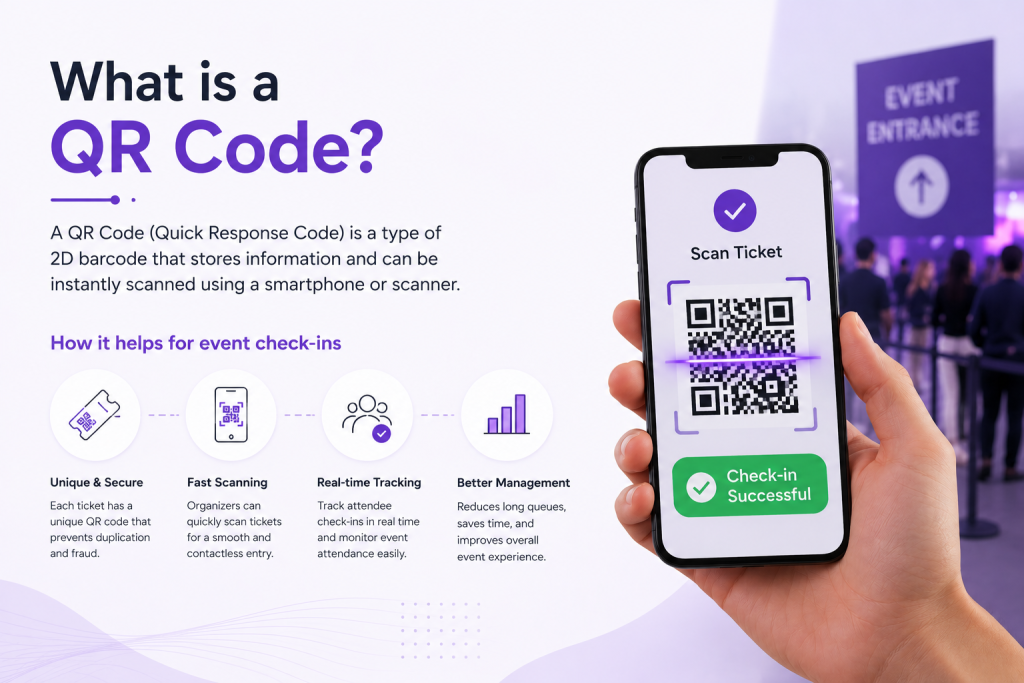
These QR Codes on the event tickets also help you set the tone or first impression of the event. If the check-in queues at the event are long, confusing, or slow, attendees tend to get frustrated even before stepping inside.
For event organisers, printed guest lists or manual check-ins are inefficient, leaving room for errors. This is why QR code scanning has become the go-to solution for modern event organizers.
Why QR Code Event Check-Ins Matter For Modern Events?
QR code check-ins have become a necessity for modern event organisers because they make attendee management more secure and efficient. Instead of manually verifying names at the entrances, with QR code tickets, organizers can validate attendee access within seconds.
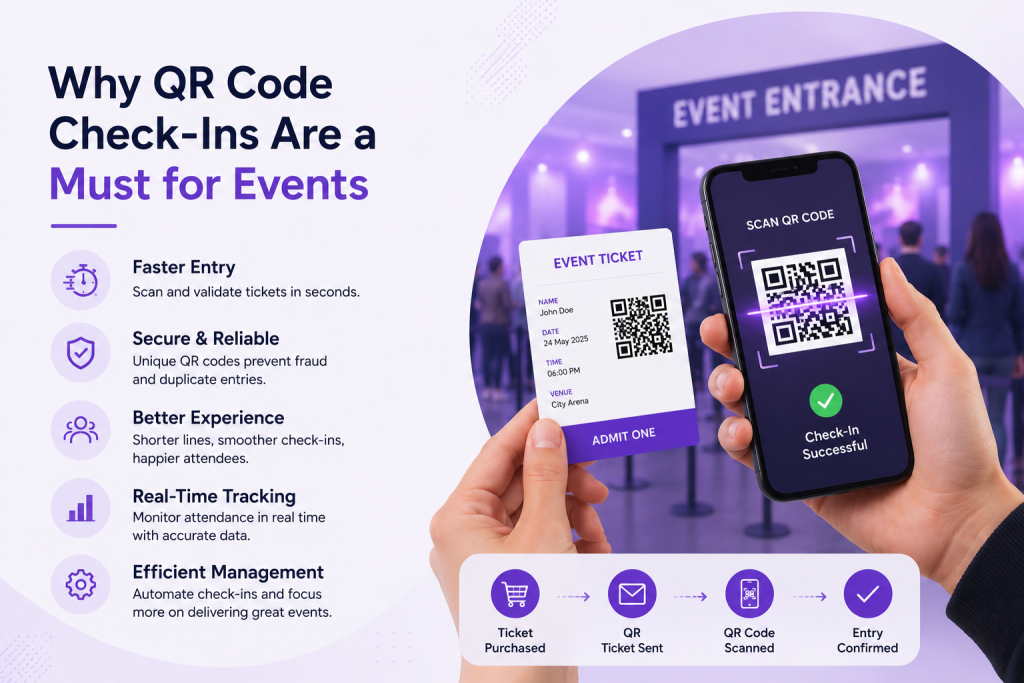
QR Codes are widely used for seamless event check-ins, because they are –
- Secure: Duplicate entries or fraudulent attendees are flagged instantly.
- Accessible: Both organisers and attendees can manage QR code check-ins via smartphones.
- Accurate: Each WooCommerce event ticket has a unique code linked to its purchase.
- Fast: Each scan to verify the authenticity takes seconds.
- Scalable: Suitable for small workshops or huge concerts.
Key Features To Look For In A WooCommerce Tickets Plugin
While choosing the tickets for WooCommerce solution, it is important to understand that hosting events is not just about selling event tickets online; it is also about simplifying the entire attendee management process.
The correct WooCommerce QR Ticket plugin should help you automate QR ticket generation, improve security, and streamline event check-ins for both organizers and attendees.
While you are hosting small workshops, webinars, or a big music festival, the correct WooCommerce QR code ticket for WooCommerce system helps reduce manual effort while ensuring faster, more organised events.
Here are key features to look for in a WooCommerce QR Ticket Plugin:
1. Automatic QR Code Generation After Purchase
A good QR ticket plugin can generate a unique QR code as soon as the customer purchases an event ticket. This eliminates the requirement of manual ticket creation and ensures that every attendee receives a scannable ticket instantly.
2. Event Check-in Insights
This feature of the WooCommerce event tickets plugin allows admins to display the total number of attendees who have checked in for each event, on the event listing page (frontend) and within the admin dashboard (backend) using a filter.
3. Check-In Using QR Code
Scan the generated QR Code on WooCommerce event tickets sent to you via email in PDF form and click the link generated from the QR Code to experience a safe and secure check-in.
4. Email/SMS Delivery Of Tickets
Automatic delivery of tickets helps attendees receive their digital ticket directly on their smartphones via SMS or in their inbox after purchase. Good tickets for WooCommerce systems have integration with third-party systems like Twilio. This allows store owners to send their customers ticket details and event notifications via SMS.
5. Attendee Management Dashboards
An attendee management dashboard helps event organisers to monitor ticket sales, manage attendees’ details, track event check-ins, and access event-related insights from a single place. This simplifies overall event coordination.
Want To Get Access To These Features?
How The Check-In Process Works — Step By Step (Use Case)
As you know by now, a QR code-based check-in system simplifies the attendee entry. Instead of manually striking off attendees’ names during their entry, organisers can scan unique QR codes on the tickets and confirm attendees’ access within seconds.
Imagine you are hosting a music festival, and selling tickets online using the Tickets for WooCommerce plugin with the QR Code functionality.
Here’s how the complete check-in process works in a real-life scenario –
STEP 1: Customer Purchases Music Festival Ticket Online
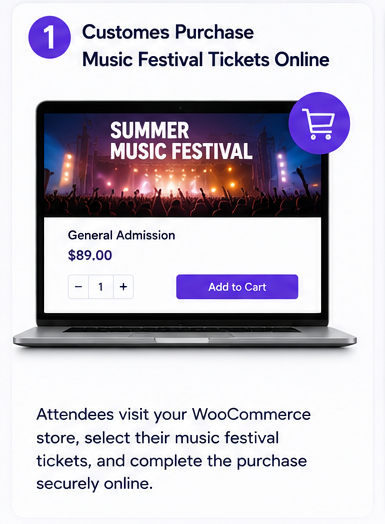
Attendees visit your WooCommerce store to book the tickets for the Summer Music Festival, select their music festival ticket, and complete the payment.
STEP 2: Unique QR Code Tickets Are Generated Automatically
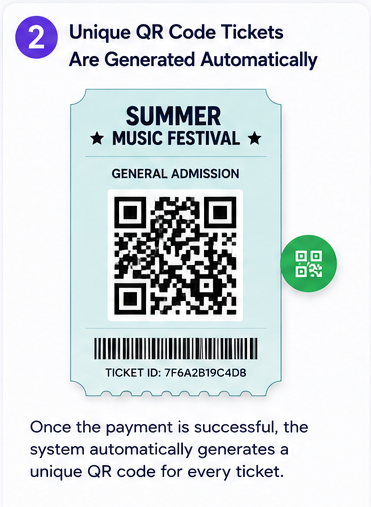
Once the payment goes through, your event platform will automatically create a unique QR code for the attendee linked to the purchased ticket.
STEP 3: Tickets Received Through Emails/SMS
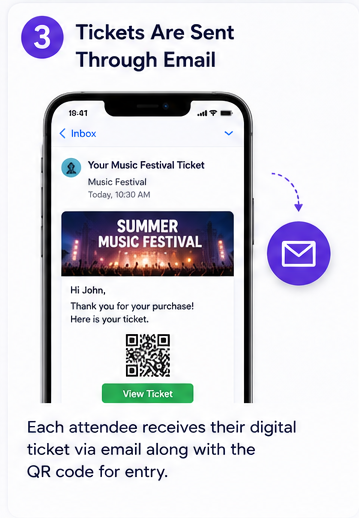
Each attendee will receive their digital music festival tickets via email or via SMS. This event ticket will also have the QR code that will be scanned for entry.
STEP 4: Attendees Arrive At The Music Festival
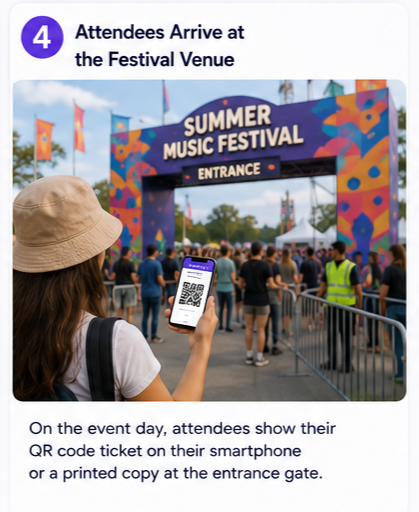
On D-Day, attendees show their QR code ticket on their smartphones or as a printed ticket at the entrance.
STEP 5: On-Duty Staff Scan The QR Code
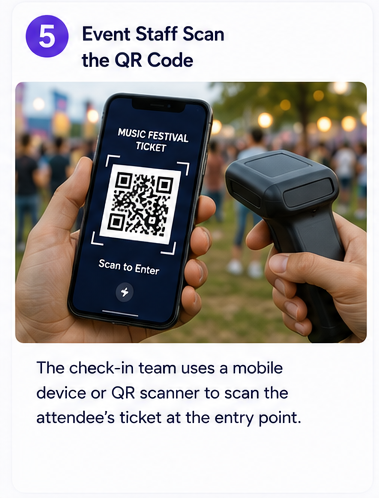
The on-duty staff use a mobile device or QR scanner to scan the attendees’ tickets at the entry point.
STEP 6: System Verifies the Ticket Instantly
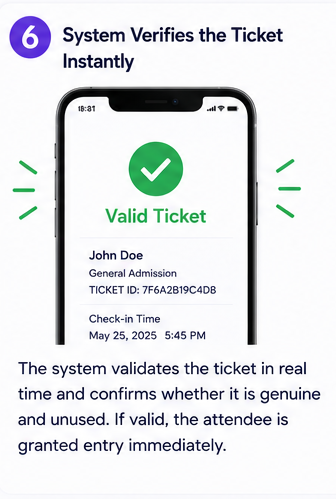
The Tickets for WooCommerce system validates tickets in real time and confirms whether they are genuine or duplicates. If the ticket is valid, the attendee is granted instant access.
STEP 7: Duplicate Entry Gets Blocked
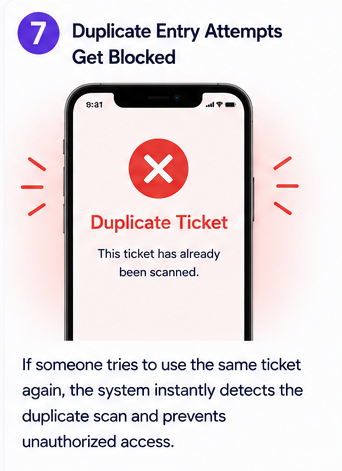
If someone tries to use the same ticket again, the system automatically detects the duplicate scan and prevents fraudulent use activities.
STEP 8: Event Organizers Monitor Tickets In Real-Time
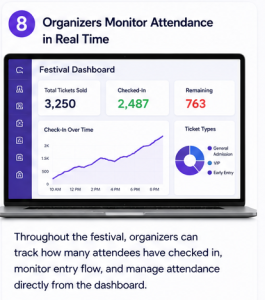
Throughout the music festival, organizers can monitor how many attendees have checked in, and track the entry flow – all from one centralised dashboard.
Why Event Tickets Manager for WooCommerce Is A Good Choice?
Let’s start by understanding the ticket for the WooCommerce solution: it’s an extension for managing ticketing and event coordination within the WooCommerce platform.

Events Tickets Manager for WooCommerce Pro streamlines the process for merchants to create and customise event tickets, offering layout options and supporting recurring events on Google Calendar. It enables seamless ticket delivery to customers via email, adds a new product category to the store, and makes it easy for merchants to add new events. The plugin also provides customers with an easy check-in by using QR codes.
WooCommerce Events Calendar also ensures that timely notifications are sent to customers before scheduled events.
Within the dashboard, merchants have access to a user-friendly interface to personalise ticket content and distribute it via email effortlessly.
The QR code event ticket check-in system is the next big thing in the event industry. Many large event management companies have already implemented this feature. And others are planning to adopt it.
If you’re a budding event management company, consider this to be the next step for you…
Happy Event Hosting!
About the Author: Muskaan Sabarwal