I’ve watched eCommerce teams spend weeks producing a single product video, only to see it outdated before launch, and that bottleneck has disappeared. Generative AI now lets small teams move from brief to first cut in minutes, then iterate based on real performance data.
This guide walks you through the operational framework I use to produce AI explainer videos consistently without sacrificing brand standards or measurable results.
You’ll get templates, prompts, governance structures, and implementation details needed to build a repeatable video production system. Whether you’re running a WooCommerce store or managing content for another eCommerce platform, these principles apply.
Table Of Contents
- Why AI Explainers Have Become Essential for Conversion
- Planning and Strategy for AI Explainer Videos
- Building and Managing Your Production Workflow
- Scripting and Content Creation Best Practices
- Designing Visual and Audio Elements
- Accessibility and SEO Best Practices
- Quality Control and Tool Selection
- Tracking Performance and Scaling Production
- Your 14-Day Sprint to Launch Five Explainers
- Conclusion
Why AI Explainers Have Become Essential for Conversion
Video now drives purchase decisions at every stage of the buyer journey, and Wyzowl’s 2026 research found that 96% of people have watched an explainer video to learn about a product, with 85% saying video convinced them to buy. Another 83% of marketers report that video has directly increased sales.
These are not aspirational numbers; they reflect how modern consumers prefer to learn.
AI explainer videos remove the production bottleneck that kept most stores from using this format. An AI explainer is a short, structured motion-graphics or mixed-media video generated or heavily assisted by AI across scriptwriting, visuals, voiceover, and editing. The goal is fast, repeatable clarity about what a product does, how it works, and why it matters.
For WooCommerce stores, high-leverage placements include product detail pages, feature launches, onboarding flows, returns walkthroughs, and policy explainers, which improve conversion while deflecting support contacts. In 2026, 63% of video marketers used AI tools, up from 51% the prior year. This is no longer experimental.
Planning and Strategy for AI Explainer Videos
As ecommerce teams look for smarter ways to improve operations, personalize customer experiences, and automate repetitive work, understanding the broader AI Agents Landscape can help put new tools and emerging solutions into context.
A strong foundation makes everything easier later. Start by defining what success looks like and how each video contributes to it.
Map Each Video to a Measurable Business Outcome
Every explainer should tie to a single number your team owns. Before production starts, identify whether you’re optimizing for product detail page (PDP) conversion rate, checkout completion, onboarding activation, or support ticket reduction. This clarity prevents scope creep and keeps creative decisions focused.
I use a simple forecasting model: expected impact equals traffic to the page multiplied by view rate, lift after view, and baseline conversion rate. For example, 20,000 monthly PDP visits with a 30% view rate, 12% post-view lift, and 2.5% base conversion yield roughly 18 extra orders per month before considering average order value. Baseline your metrics over four to six weeks, then A/B test video presence to confirm lift.
Budget clarity matters here. Wyzowl’s polling of production companies put the average 60-second animated explainer at $8,457 in 2024. AI reduces time-to-first-draft and versioning costs, so you can reserve human polish for your highest-impact hero assets.
Building and Managing Your Production Workflow
A clear workflow helps your team move faster without confusion. It also reduces delays during reviews and approvals.
Build Your Cross-Functional Production Team.
A small squad beats a lone creator every time. Your minimum roles include a project owner, subject-matter expert, script lead, brand reviewer, video lead, and QA specialist. Document responsibilities once using a RACI framework and reuse it for every video.
Timeboxes keep momentum. Brief development takes 30 to 60 minutes, and prompt plus script work requires one to two hours. Visual planning needs another one to two hours.
The first AI render happens in minutes. Review cycles typically run 24 to 48 hours, and final QC takes 30 to 45 minutes. Define 24-hour service-level agreements for SME clarifications and 48-hour windows for brand and legal sign-off to prevent stalls.
Maintain a single tracker with status, owner, use case, target SKU, languages, thumbnail status, schema completion, chapters, captions, GA4 (Google Analytics 4) tagging, and publish date. Batch reviews of three to five videos compress context-switching costs.
Scripting and Content Creation Best Practices
Good videos start with clear and structured scripts. When your content is consistent, production and approvals become much smoother.
Standardize Your Script Structure and Blueprint
A consistent structure accelerates prompts, editing, and approvals because reviewers know exactly where to find claims, proof, and calls to action. I use a six-beat template that works across use cases.

- Hook: Problem or outcome in 5 to 10 seconds
- What It Is: Core explanation in 15 to 20 seconds
- How It Works: Steps and process in 20 to 40 seconds
- Proof: Evidence or objection handling in 10 to 20 seconds
- CTA: Clear next action in 5 to 10 seconds
- End Screen: Brand reinforcement
Deliverables per video include a 110 to 180 word script, shot list, on-screen text, CTA variations, thumbnail headline, at least three chapters, and any required legal notes. Use plain language and ban vague superlatives unless you can substantiate them. Cite documentation on-screen for sensitive claims.
Transform Briefs Into First Drafts With Reusable Prompts
Prompts become your standard operating procedures. Store tokenized templates in a shared document so new creators can ship immediately without reinventing approaches.
For scripts, I use this template:
Write a 150-word product explainer for this SKU for repeat buyers who struggle to find past orders, promise a 15% faster checkout, keep the tone helpful and concise, and end with a single action after three on-screen text beats. Include fields for audience, pain point, outcome metrics, tone, and legal constraints.
For visual plans, prompt the AI:
Turn this script into a six-scene storyboard with scene goal, key visual, overlay text under eight words, suggested screen capture, and pacing notes. Ask for shot framing guidance such as dashboard zooms or before-and-after split screens to standardize visual grammar.
For voiceover, specify voice characteristics, pace in words per minute (WPM), emphasis keywords, and warmth level. Target 125 to 150 WPM for educational content and 150 to 165 for promotional cuts. For localization, request translation while preserving tone, adapting idioms, and keeping legal copy verbatim.
Designing Visual and Audio Elements
Strong visuals and clear audio make your videos easier to follow. Consistency here also helps your brand feel more polished.
Create a Visual System That Scales Without Chaos
Prepare a reusable brand kit with hex colors, fonts, logo lockups, lower-thirds, end screens, CTA frames, icon sets, background styles, safe-area guides, and aspect-ratio variants for 16:9, 1:1, and 9:16. Lock these elements once so creators reuse approved assets without repeated decisions.
Build a scene library of 10 to 15 repeatable sequences: feature lists, step walkthroughs, pricing tables, before-and-after comparisons, social proof segments, FAQ bursts, dashboard zooms, and returns process animations. These templates compress assembly time.
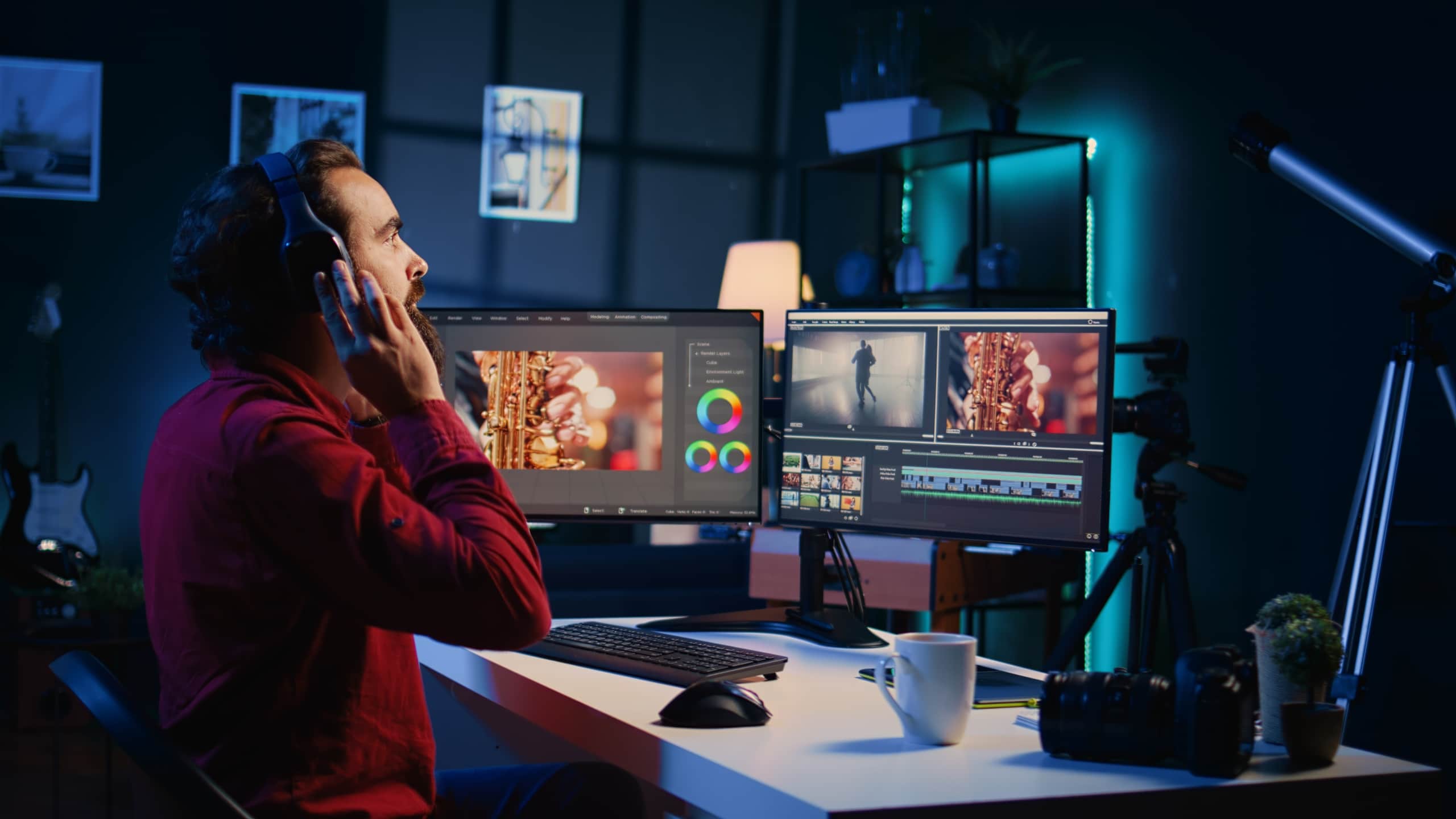
Create three thumbnail variants per video featuring tight product shots, two to four words of text, and high contrast. A/B test thumbnails via email or social to proxy click-through rate before finalizing on-site placement.
Voiceover and Audio Standards That Improve Retention
Clarity beats flair in narration, so choose pace and tone that match the video’s purpose. Educational walkthroughs benefit from 125 to 150 words per minute, while promotional cuts can run 150 to 165 WPM. Insert 0.3 to 0.5 second micro-pauses between beats to help viewers segment steps.
Music beds should sit low, around negative 24 to negative 18 LUFS loudness units integrated, and be side-chained under voice to avoid masking narration. Add subtle room tone to reduce synthetic sterility, and mix tasteful foley like user interface (UI) clicks for realism.
Treat AI-generated voices ethically, and confirm usage rights and consent for any cloned voices. Store signed approvals when cloning a founder or host voice, and avoid any impersonation risk. Normalize dialogue to consistent loudness and export clean stems for future revisions.
Accessibility and SEO Best Practices
Making your videos accessible and discoverable helps you reach more people. It also improves user experience and search visibility.
Build Accessibility Into Every Video From the Start
Closed captions are required, not optional. Web Content Accessibility Guidelines (WCAG) 2.2 Success Criterion 1.2.2 mandates captions for all prerecorded audio in synchronized media at Level A compliance. Generate captions, manually review for accuracy and timing, and embed them with the player before publish.

WHO estimates over 1.5 billion people live with hearing loss, with projections reaching 2.5 billion by 2050. Captions expand your reach while reducing legal risk. Beyond captions, ensure color contrast for on-screen text, avoid color-only cues, and provide descriptive file names for assistive technologies.
Publish transcripts below embeds with speaker labels and chapter-linked timecodes. Localize UI screenshots and on-screen text for primary markets. Re-record or re-synthesize voiceover for major locales to preserve clarity and brand tone.
Video SEO Implementation for WooCommerce Pages
Create dedicated watch sections on product and help pages with unique titles, descriptions, embedded players, and high-quality thumbnails hosted at stable URLs. Add VideoObject structured data for video SEO (search engine optimization) with required fields such as name, description, thumbnailUrl, uploadDate, duration, and contentUrl or embedUrl.
Google recommends stable thumbnail URLs and accessible video bytes for eligibility in video features and Key Moments. Optionally add Clip or SeekToAction markup to highlight chapters. Generate a video sitemap or include videos in your existing sitemap, then monitor the Video Indexing report in Search Console.
In WordPress, pasting a YouTube or Vimeo URL auto-embeds the player. Write a short intro paragraph, include a bulleted recap below the video, and place CTA buttons above the fold and near the description end. If you prefer a guided setup for structured data and performance-friendly embeds, the WP Swings documentation walks through step-by-step configurations tailored for WooCommerce.
Quality Control and Tool Selection
Consistent quality depends on both good checks and the right tools. Setting clear standards helps avoid rework later.
QA Gates That Maintain Quality at Production Speed
A short checklist prevents costly rework. Before publish, verify spelling and style consistency, brand colors and fonts, logo placement, synced captions, added chapters, end screen with CTA, tested thumbnail variants, valid schema, and GA4 events firing correctly.
For legal and claims review, verify product benefits with subject-matter experts and cite documentation on-screen where needed. Ensure no competitor trademarks appear and add necessary disclaimers for region-specific policies. Maintain a 15 to 20 minute pre-publish QA for minor iterations and 30 to 45 minutes for new templates or high-stakes assets.
Select Tooling Based on Clear Evaluation Criteri
Pick one primary generator and document escalation paths to human motion design. Evaluate brand kit support, scene library depth, text-to-speech quality, export formats, timeline control, versioning, collaboration features, and audit logs. Use AI for first-pass scripts, visual drafts, multilingual versions, and channel variants, and reserve humans for nuanced demos, compliance reviews, and premium hero content.
Run a focused two-week pilot to produce five explainers across PDP and onboarding use cases so your team can stress-test real workflows. Measure edit time, brand consistency, and post-publish performance to justify broader rollout across core product pages and help-center content. For teams wanting a fast script-to-video path without hiring motion designers, consider using an AI explainer video generator that turns a brief or script into an on-brand cut in minutes, useful for onboarding variants and PDP refreshes while maintaining consistent templates.
Tracking Performance and Scaling Production
Once your videos are live, the real work begins. Tracking and improving performance helps you scale what actually works.
Analytics and Experimentation That Drive Improvement
Treat each video like a product with its own performance metrics. GA4’s Enhanced Measurement automatically tracks YouTube embed events including video_start, video_progress at 10, 25, 50, and 75 percent, and video_complete when JavaScript API support is enabled.
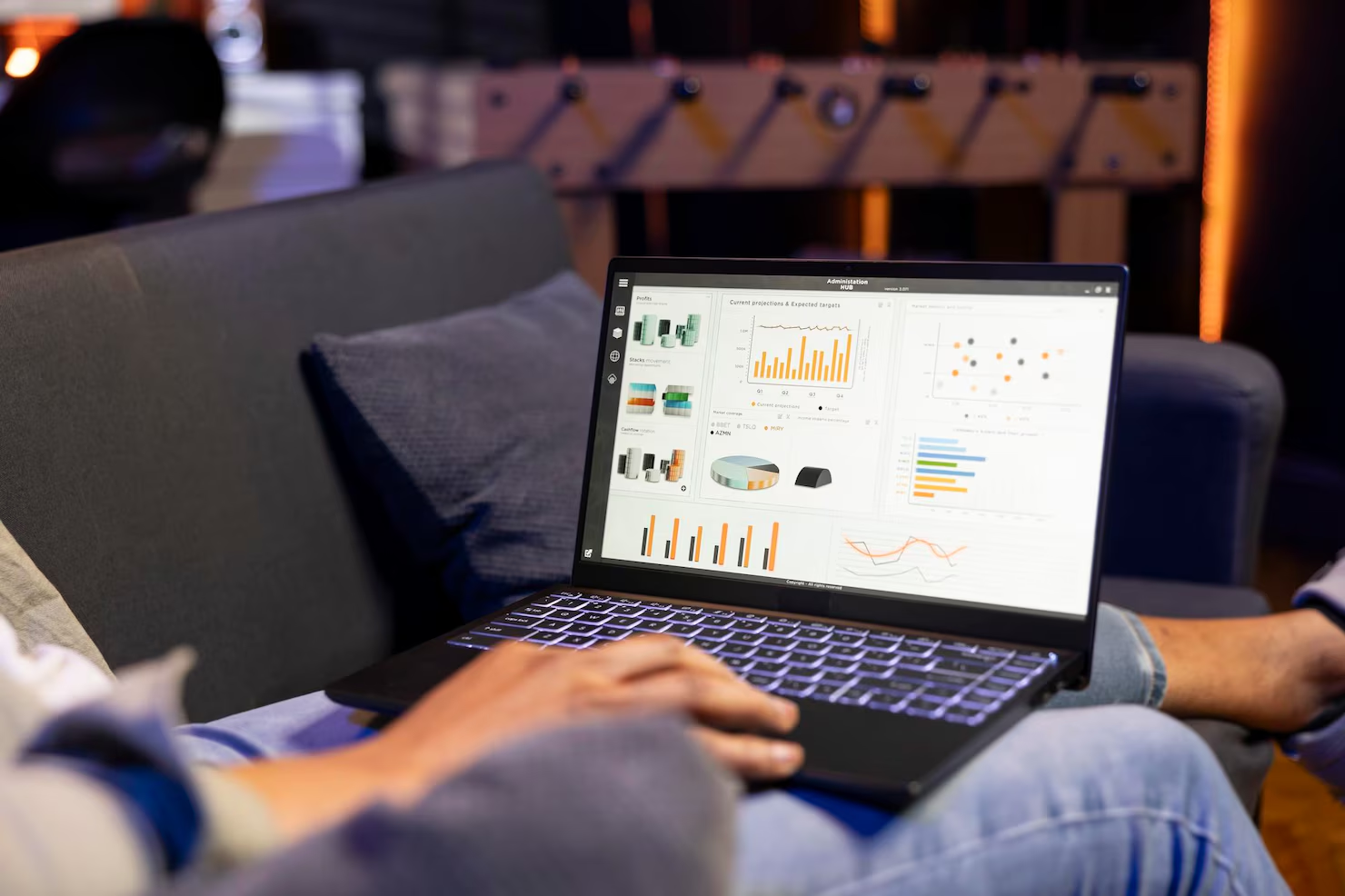
Create custom events and audiences: viewers who watched at least 50% then clicked CTA, PDP views with video versus without, and post-view conversions. Compare performance by topic, length, chaptering, and thumbnail style. YouTube’s Key Moments and audience retention graphs highlight where viewers stay or drop off, though retention data typically takes one to two days to process.
Governance for Scale Without Asset Sprawl
Adopt a naming convention like product-feature_lang_len_ver_platform for reliable retrieval. Organize storage into raw assets, brand kit, music and sound effects, voice files, exports, and subtitles. Lock permissions for brand and legal folders to prevent accidental edits.
Promote winning patterns into templates and build a greatest-hits library of scenes, hooks, and end screens proven to convert. Tag assets by use case for performance rollups. Document when to archive or refresh assets based on performance decay.
Your 14-Day Sprint to Launch Five Explainers
Week one focuses on building and rendering. Days one and two cover use-case selection, SME notes, and baselining current metrics, while days three through five go to writing scripts, rendering first cuts, designing thumbnails, and conducting internal review. Days six and seven focus on finalizing captions, chapters, schema, and GA4 checks, then staging pages.
Week two shifts to publishing and learning. Days eight through ten focus on going live on PDPs and help centers, and sharing email and social snippets, while days eleven through fourteen focus on monitoring Key Moments and GA4, documenting learnings, planning v2 edits, and queueing the next five explainers based on results. Define success with concrete targets such as uplift in PDP conversion among viewers, reduced support contacts, and time-to-first-draft under one hour by week two.
AI explainer videos work because they compress understanding into seconds and remove uncertainty at the decision point. You now have the building blocks to ship weekly without chaos. Start with the sprint, measure impact, and promote winning patterns into templates that continuously improve your outcomes.
Conclusion
To wrap it up, AI explainer videos give you a practical way to create useful, conversion-focused content without getting stuck in long production cycles. When you tie each video to a clear goal, follow a simple structure, and build a system your team can repeat, the process becomes much easier to manage.
You do not need perfection on day one. Start with a few videos, track how they perform, and improve them over time. With the right approach, these videos can help your customers understand your products faster, make decisions with confidence, and keep coming back.
About the Author: Mohd Talib